How do I remove a Virtual Phone Number?
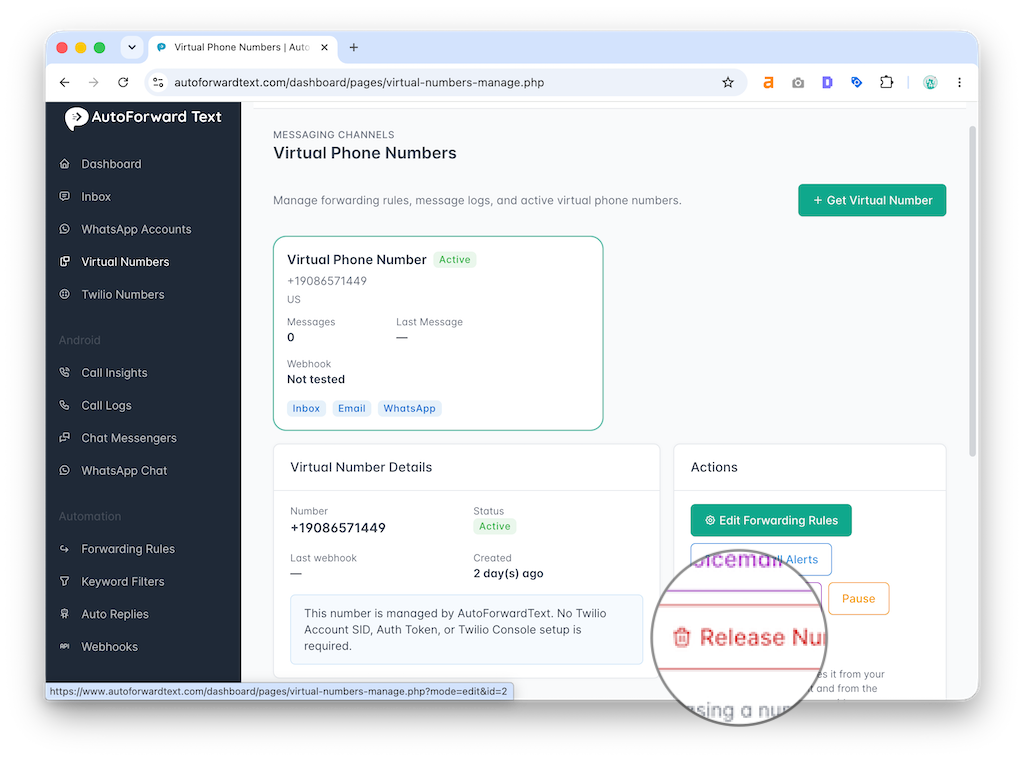
- Open Virtual Phone Numbers
- Select your number
- Click Remove Number
- Confirm removal
Removing a virtual number stops forwarding, missed call alerts, voicemail workflows, and message processing for that number.
Removing the number does not automatically cancel your AutoForwardText subscription unless you also cancel billing separately.
Still need help? Contact support.