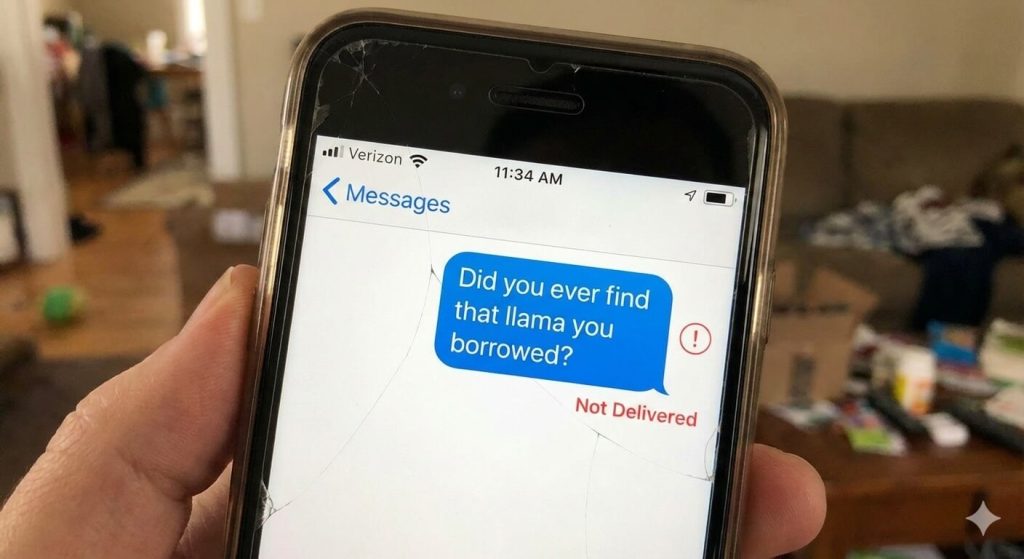
You type a message.
You hit Send.
And then… nothing. Just “Sending…” forever.
If your text messages aren’t going through, you’re not alone—and no, it’s not random. SMS failures almost always have a cause, and most of them are surprisingly easy to fix once you know where to look.
This guide walks you through 12 real reasons your text messages aren’t sending, covering Android and iPhone, SMS vs MMS, and even those weird cases where messages work for some people but not others.
Let’s fix it.
Quick Fix Checklist (Try This First)
Before diving deep, try these. They solve a shocking number of cases:
- Restart your phone
- Toggle Airplane Mode ON → OFF
- Check you have a cellular signal
- Turn on mobile data (especially for pictures or group texts)
- Try sending a text to a different number
If it still doesn’t send, keep going.
1. Weak or No Network Connection
Text messages rely on your cellular network, not just Wi-Fi.
If your signal is weak, unstable, or constantly switching towers, messages may get stuck or fail silently.
How to fix it
- Move to an area with a better signal
- Toggle Airplane Mode for 10 seconds
- Manually switch between 4G / 5G / LTE
- Restart your phone
2. Mobile Data Is Off (MMS Won’t Send)
This one trips up a lot of people.
Plain text messages (SMS) can be sent without mobile data.
Pictures, videos, group texts, and audio messages (MMS) cannot.
If mobile data is off—even if Wi-Fi is on—MMS will fail.
How to fix it
- Turn mobile data ON
- Retry sending the message
- Reduce image or video size if needed
3. Incorrect Phone Number or Formatting Issues
It sounds basic, but it happens constantly.
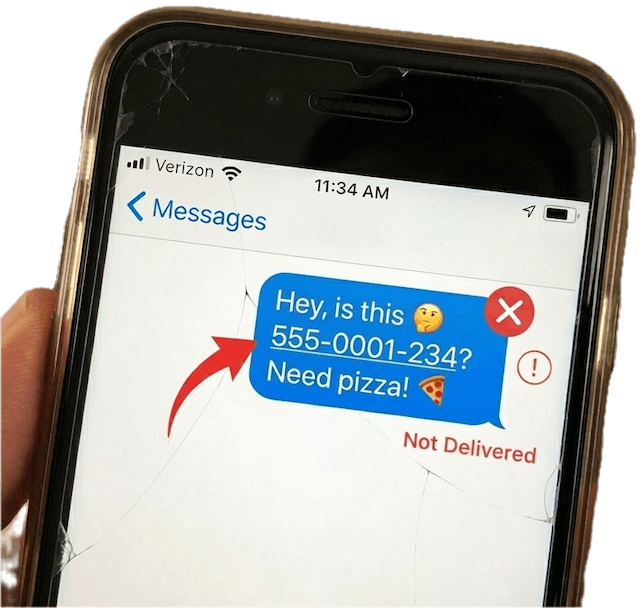
Common problems include:
- Missing country code for international numbers
- Extra spaces or symbols
- Short codes entered incorrectly
How to fix it
- Re-enter the number manually
- Add
+country codefor international texts - Save the number again and retry
4. Carrier Restrictions or Blocking
Carriers aggressively block messages now—especially anything that looks automated, repetitive, or spam-like.
Other causes include:
- Billing issues
- SMS is not included in your plan
- Temporary carrier-level blocks
How to fix it
- Check your account status with your carrier
- Confirm SMS/MMS is included in your plan
- Ask support to remove any messaging blocks
5. Messaging App Issues (Crashes, Cache, Permissions)
If your messaging app is buggy, outdated, or misconfigured, messages may never leave your phone.
Signs this is the issue
- App freezes or crashes
- Messages fail without error
- You recently changed messaging apps
How to fix it
- Update the messaging app
- Clear cache (Android)
- Make sure it’s set as the default SMS app
- Reinstall the app if needed
6. Your Phone Storage Is Full
Yes, this still breaks texting.
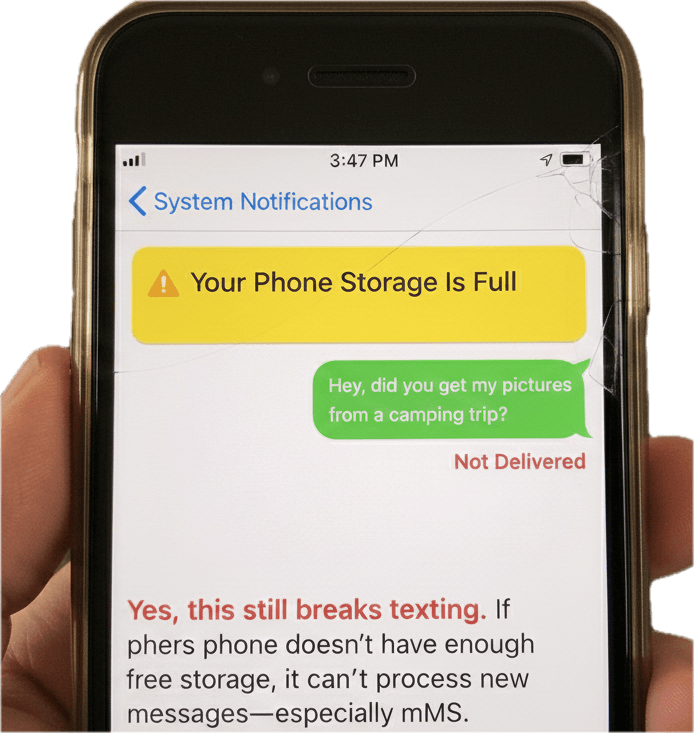
If your phone doesn’t have enough free storage, it can’t process new messages—especially MMS.
How to fix it
- Delete old messages with attachments
- Clear unused apps
- Free at least 1–2 GB of space
7. Software Bugs or Outdated Operating System
Old software causes weird, unpredictable issues—including SMS failures.
How to fix it
- Update your phone’s OS
- Update messaging apps
- Restart your phone after updating
Skipping the restart often causes problems.
8. iMessage, RCS, or Group Message Conflicts
Modern messaging systems are powerful—but fragile.
Problems happen when:
- iMessage fails to switch to SMS
- RCS isn’t supported by the carrier
- Group chats require MMS
How to fix it
- Temporarily turn off iMessage or RCS
- Resend as SMS
- Make sure mobile data is enabled
9. The Recipient’s Phone Is Off or Unreachable
Sometimes the issue isn’t on your side at all.
Possible recipient issues:
- Phone turned off
- No signal
- Inbox storage full
What you can do
- Wait and resend later
- Contact them through another method
10. The Recipient Has Blocked Your Number
Uncomfortable, but possible.
If you’re blocked:
- Messages won’t be delivered
- Calls may go straight to voicemail
There’s no guaranteed way to confirm this—only the recipient can change it.
11. SMS Center (SMSC) Issues (Advanced – Android)
The SMS Center Number (SMSC) is the gateway your phone uses to send messages.
If it’s misconfigured, texts won’t go anywhere.
How to fix it
- Reset network settings
- Ask your carrier to re-provision SMS services
- Advanced users can check SMSC in phone settings
12. Temporary Carrier or Network Outage
Sometimes… It’s just down.
Carriers do experience outages, routing failures, and delays.
How to fix it
- Check your carrier’s outage status
- Wait and retry later
Bonus: When Messages Don’t Send, You Still Need Access
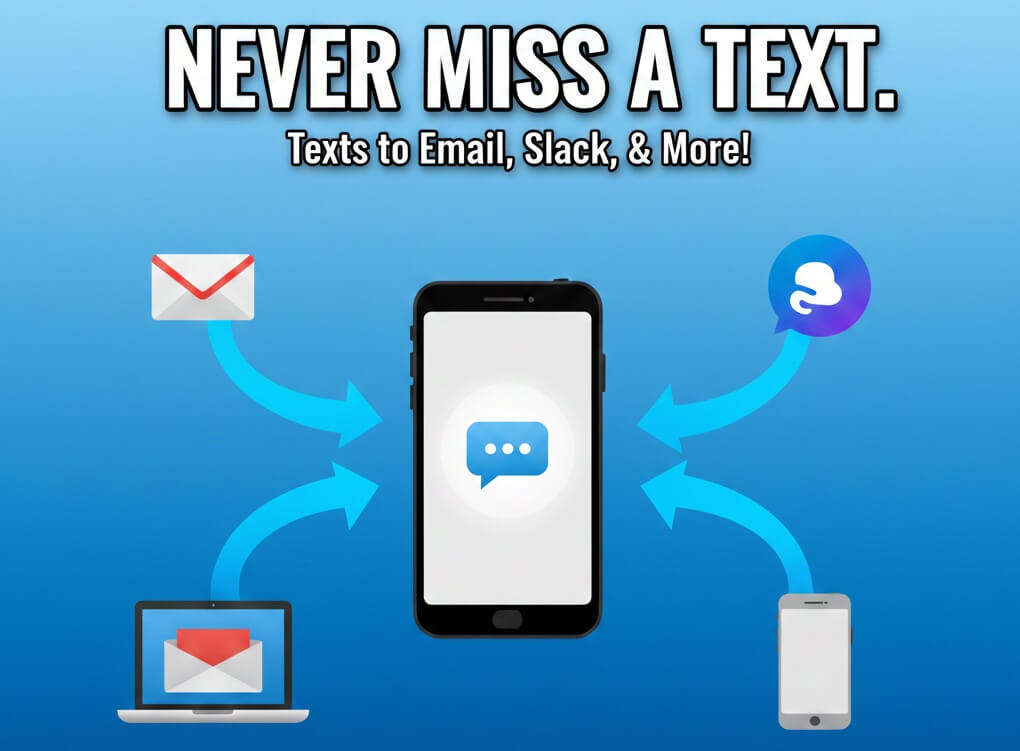
Even when SMS is unreliable, missing messages can be costly—especially for work, support, or monitoring.
That’s why many users rely on automatic message forwarding. Tools like AutoForward Text can forward incoming messages to email or another device, so you don’t lose access when phones, networks, or apps misbehave.
It’s not about replacing texting—it’s about not missing important messages when things break.
Frequently Asked Questions
Why do texts send to some contacts but not others?
Usually, carrier rules, blocking, or formatting issuesare specific to that number.
Why do calls work but texts don’t?
Calls and SMS use different systems. SMS failures are often network or carrier-related.
Why do picture messages fail but plain texts send?
MMS requires mobile data. SMS does not.
Is this more common on Android or iPhone?
Both. Android sees more app and SMSC issues; iPhone sees more iMessage conflicts.
Final Thoughts
Text messaging seems simple—but under the hood, it’s a mess of carriers, protocols, apps, and filters.
The good news?
Most “text not sending” issues are fixable in minutes.
Start with signal, data, and app settings. If that doesn’t work, move down the list. And if messaging reliability actually matters to you, having a backup like message forwarding can save a lot of frustration.
Still Missing Important Text Messages?
Network issues, carrier restrictions, and messaging app glitches can delay or block SMS delivery. If you rely on text messages for work, alerts, or monitoring, forwarding them automatically ensures you never miss critical messages — even when phones misbehave.
AutoForwardText securely forwards incoming text messages to your email or another device, giving you reliable access when messaging isn’t dependable.
Try AutoForwardText