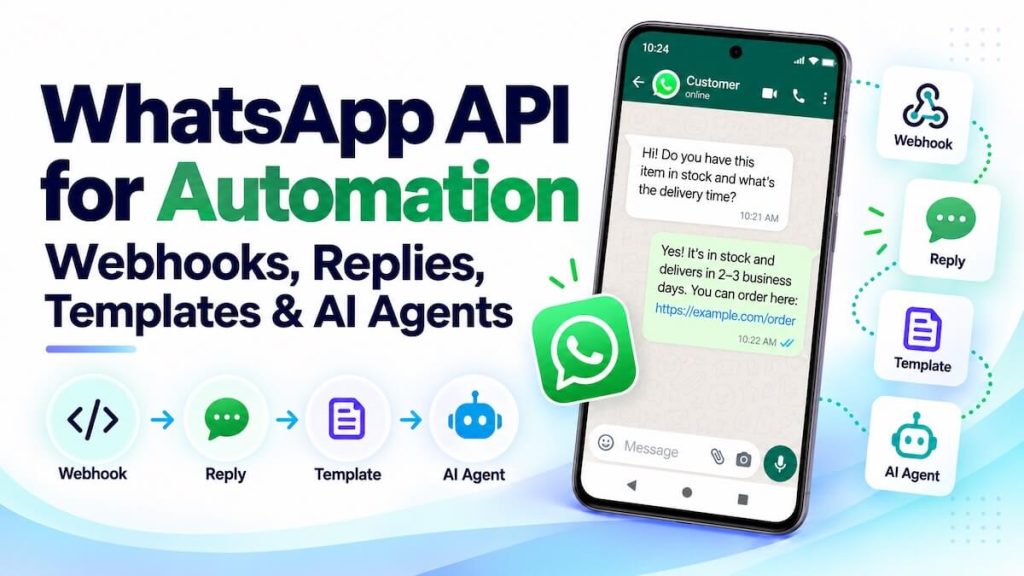
WhatsApp API for Automation: Webhooks, Replies, Templates and AI Agents

WhatsApp becomes much more useful for business automation when incoming messages can trigger webhooks, workflows can reply programmatically, approved templates can start conversations where required, and AI agents can work inside the same message loop. With AutoForward Text, WhatsApp can sit between the customer and the automation tools your business already uses — including n8n,

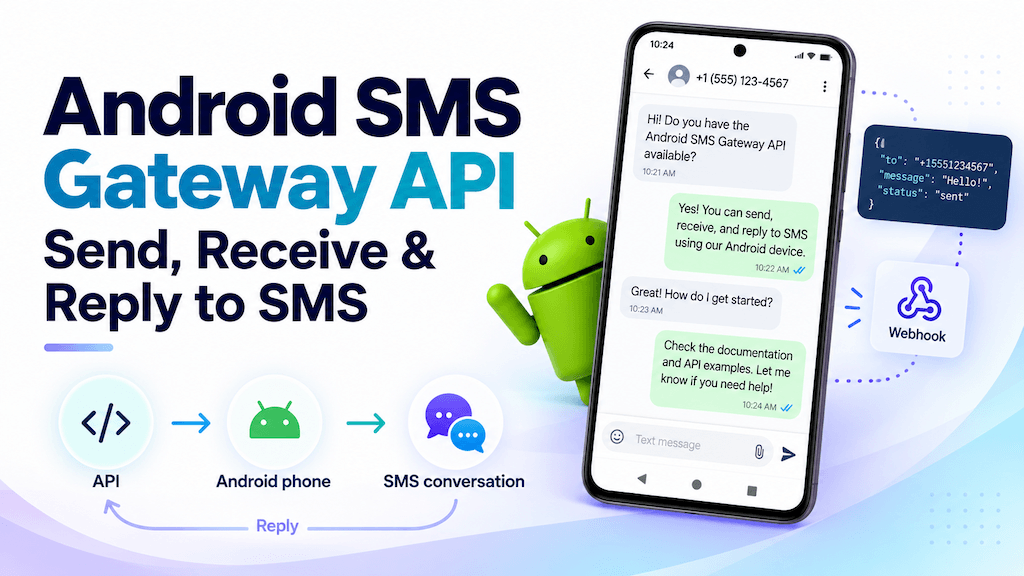
Android SMS Gateway API: Send, Receive and Reply to SMS

An Android phone can do more than send and receive text messages manually. With the right gateway and API layer, it can become a programmable SMS endpoint for your apps, automations, CRMs, n8n workflows, Make.com scenarios, and AI agents. With AutoForward Text, you can use an Android phone and its existing SIM as an SMS

SMS chatbot

SMS Chatbot: Build an AI SMS Agent with Your Existing Phone Number

An SMS chatbot can answer customer questions, qualify leads, handle after-hours enquiries, confirm appointments, and route conversations to your team. And you do not necessarily need to buy a new SMS number to build one. With AutoForward Text, you can connect the SMS channel your business already uses to automation and AI. That can be

How to Send and Receive SMS with Make.com Using Your Android Phone

You can build an AI agent in Make.com that receives customer text messages, understands what the sender is asking, and automatically sends an SMS reply — while continuing to use the Android phone number and SIM you already have. In this setup, the Android phone remains the SMS channel. AutoForward Text connects the phone to

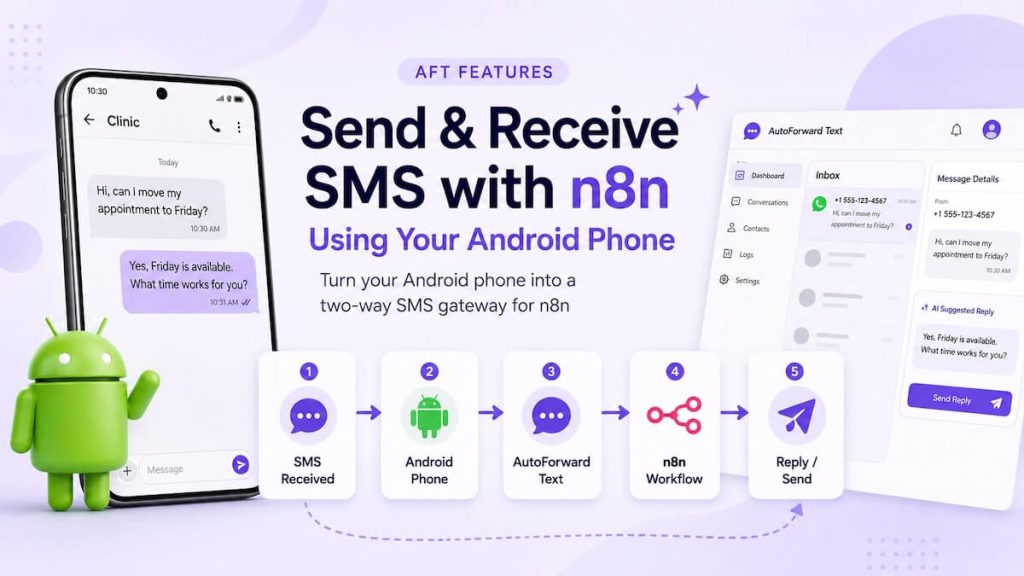
How to Send and Receive SMS with n8n Using Your Android Phone

You do not need to move your SMS workflow to a new cloud phone number just to automate text messages with n8n. With an Android phone, its existing SIM card, and AutoForward Text, you can receive incoming SMS in n8n, process them in a workflow, reply to the sender, and trigger new outbound text messages.

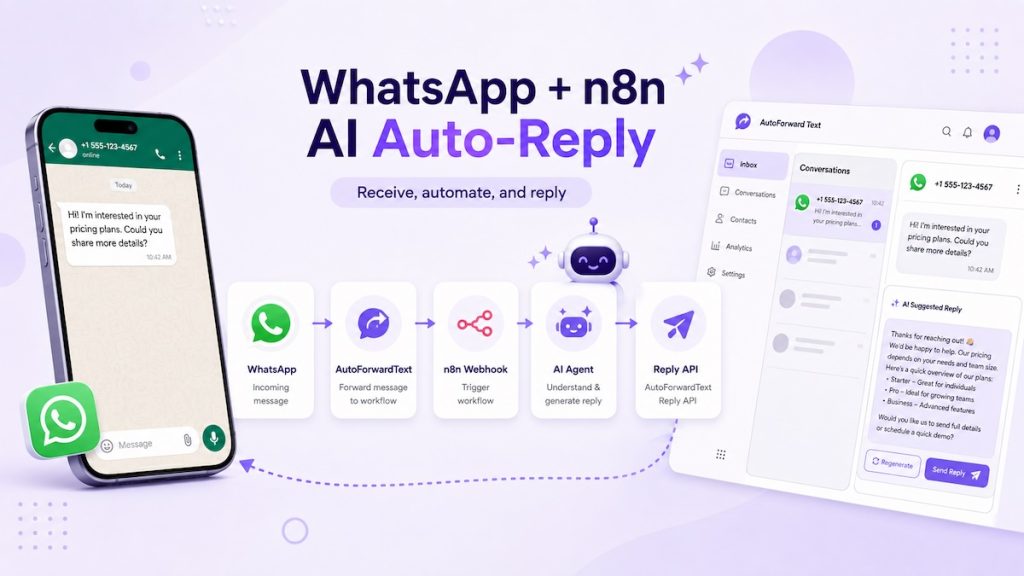
How to Connect WhatsApp to n8n with Webhooks, AI and Reply API

You can use n8n to receive an incoming WhatsApp message, send it to an AI Agent, and automatically return the generated answer to the original WhatsApp conversation. The useful part is that n8n does not need to manage the WhatsApp connection itself. AutoForward Text handles the messaging connection and forwards each incoming message to an

whatsapp automation with make.com

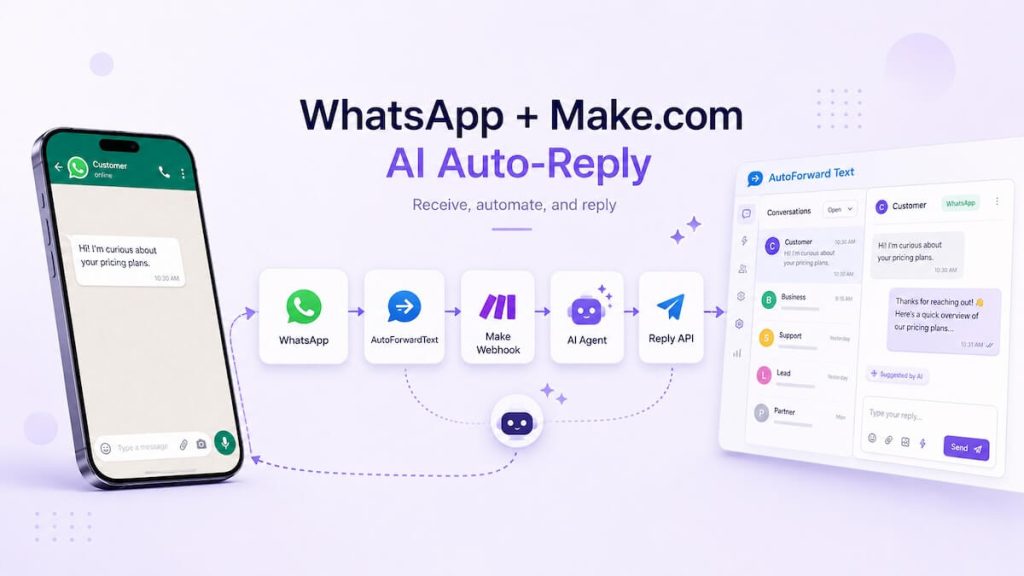
How to Connect WhatsApp to Make.com and Build an AI Auto-Reply Workflow

A useful WhatsApp AI workflow does not need to be complicated. The simplest architecture is to let WhatsApp handle the conversation, AutoForward Text handle message delivery, Make handle the automation, and an AI Agent decide what to say. In this tutorial, we will build a working two-way flow where an incoming WhatsApp message is forwarded

How to Reply to WhatsApp Messages from Email

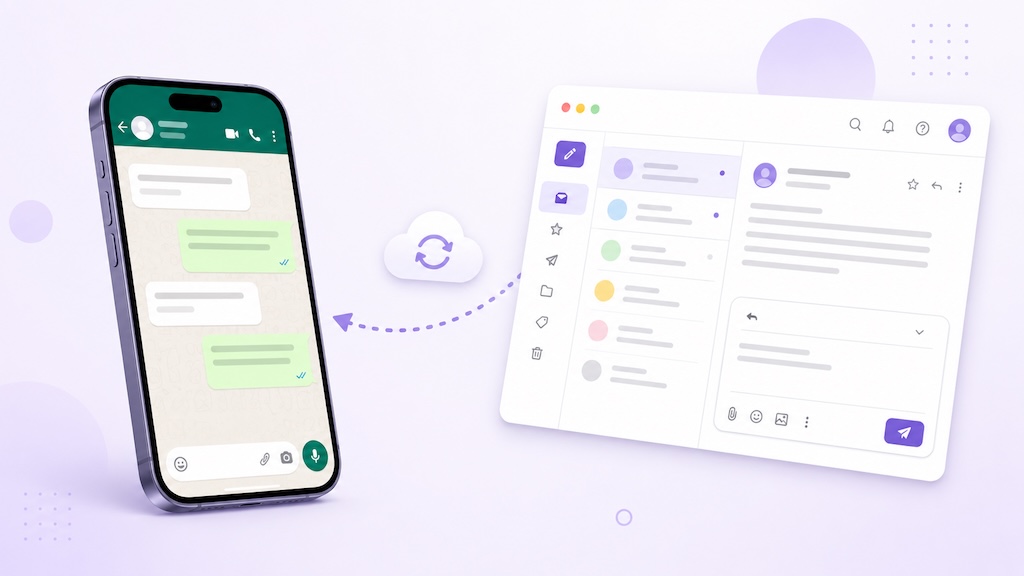
Forwarding WhatsApp messages to email is useful, but it still leaves one obvious problem: how do you reply without switching back to WhatsApp? AutoForward Text lets you receive supported incoming WhatsApp messages in Gmail, Outlook, Microsoft 365, Apple Mail, or a shared inbox and reply directly from email. Your response is then sent back through

Scroll to Top