
Keyword Rules
Match words or phrases to route messages into the appropriate destination or workflow.
Use contacts, keywords, schedules and filters to control where supported messages go. Add automatic replies for common situations so important senders receive a timely response.
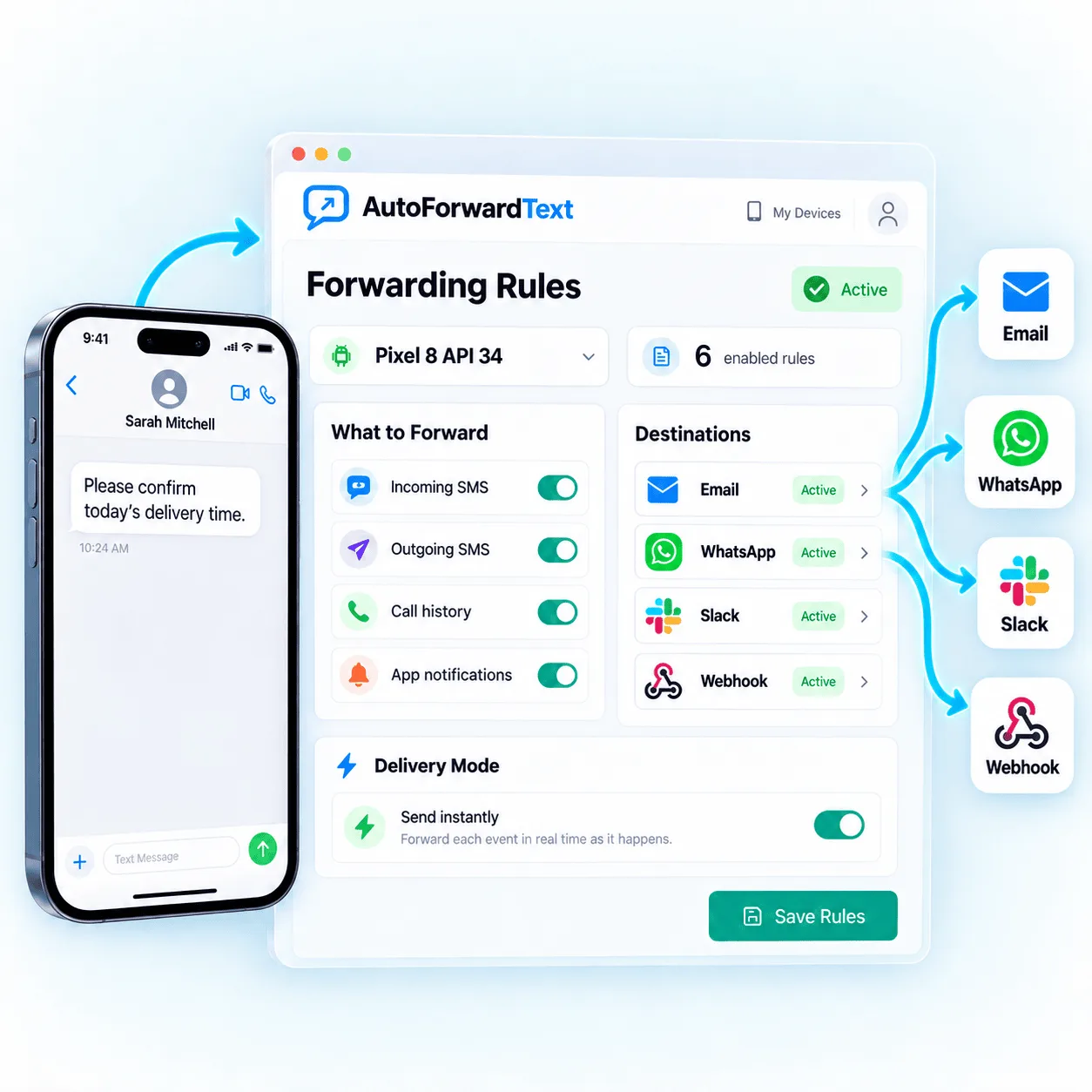
Route the messages that match your workflow instead of forwarding everything.
Send supported automatic replies using clear business rules.
Adjust routing as teams, schedules and priorities change.
Simple rules help keep routine messages moving while reducing noise for the people and systems receiving them.
Match words or phrases to route messages into the appropriate destination or workflow.
Handle messages differently based on known senders or contact-based criteria.
Apply forwarding behavior by operating hours or use the separate Send Message scheduler for future SMS and WhatsApp delivery.
Send a predefined response when a supported message matches the conditions you configure.
Choose which incoming messages the rule should watch, decide what happens when they match, and enable the workflow.
Select criteria such as contacts, keywords, schedules or other available filters.
Forward the message to a destination, trigger a workflow or send a supported automatic reply.
Confirm the rule priority and activate it for new incoming messages.
Rules are designed to make forwarding more useful without forcing every message through the same path.
Visit the Help CenterYes. Keyword-based rules can route supported messages when their content matches the words or phrases you configure.
Contact-based criteria can be used to handle messages from selected senders differently from other incoming messages.
Schedules can be combined with supported automatic replies to handle messages differently outside your normal operating hours.
Rule behavior depends on the configuration and priority used in your account. Review overlapping conditions carefully before enabling them.
Create practical rules for contacts, keywords and schedules, then add automatic replies where they help.