
Centralized Conversations
Bring supported SMS and WhatsApp conversation activity into one dashboard.
Keep supported conversations visible from the AutoForward Text dashboard, reply without holding the original phone, and give your team a clearer view of incoming customer communication.
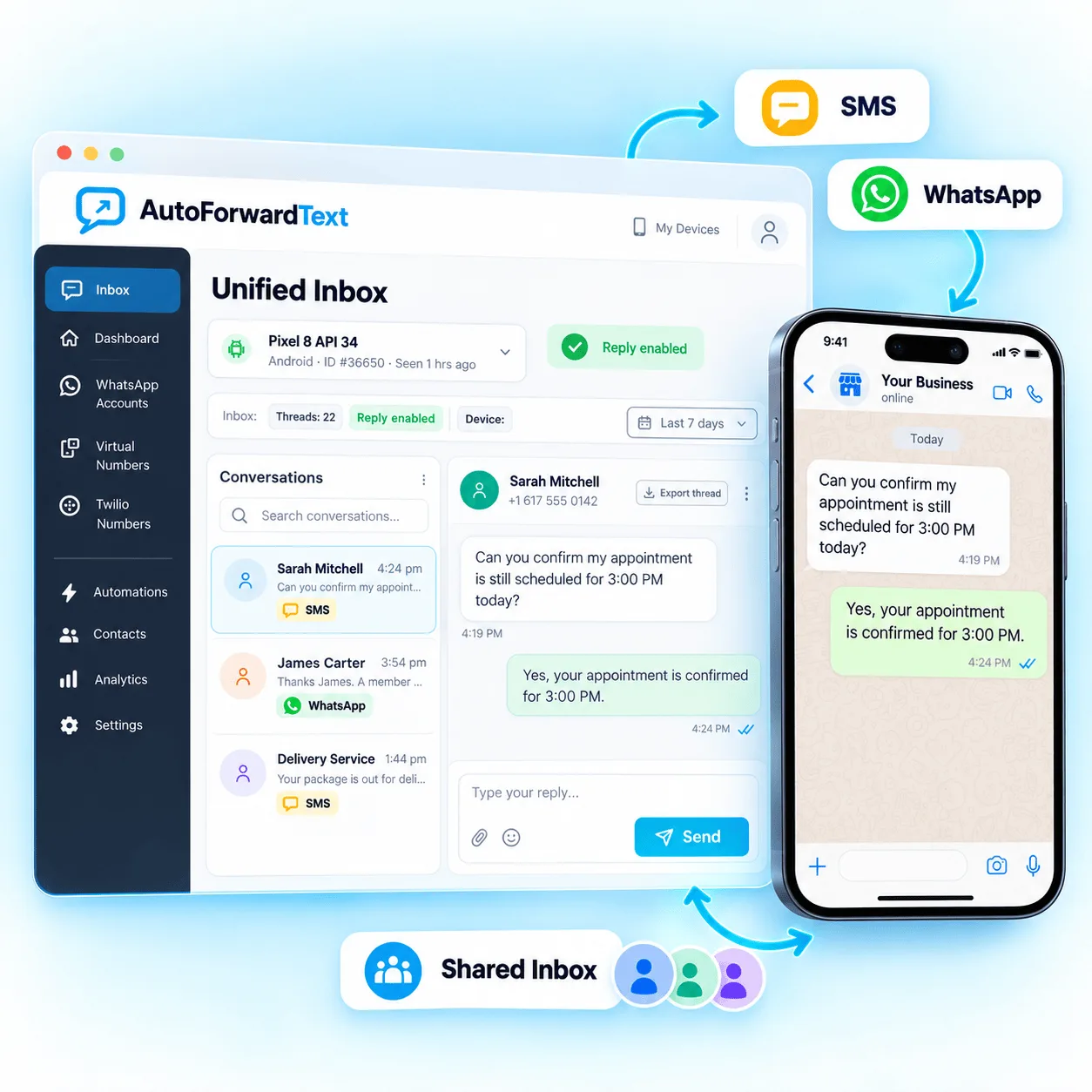
See supported messaging activity without switching between devices.
Continue supported conversations from the web dashboard.
Make important customer messages easier for the right people to see.
Start with a clearer view of conversations, then connect those messages with routing and automation when needed.
Bring supported SMS and WhatsApp conversation activity into one dashboard.
Respond through supported connected channels without needing the original handset in front of you.
Review message context and recent activity before deciding how to respond.
Help teams monitor important messages instead of leaving them isolated on one device.
Connect a supported messaging source, receive conversations in the dashboard, and reply or route the message using the workflow that fits your team.
Connect an Android phone, supported SMS route or WhatsApp account to AutoForward Text.
Supported incoming messages appear in the web inbox with the available conversation context.
Respond from the dashboard or pass the message into a forwarding, webhook or automation workflow.
Channel capabilities vary, but the goal stays simple: make conversations easier to see and manage.
Visit the Help CenterThe dashboard can centralize supported SMS and WhatsApp conversation activity from channels connected to your AutoForward Text account.
Supported connections can be replied to from the web dashboard or through available reply workflows. The connected device or messaging route must remain available where required.
The web dashboard provides shared visibility for supported conversations, helping teams avoid relying on one physical handset.
Supported message events can be routed to webhooks, APIs and connected automation systems when a workflow needs more than a manual reply.
Connect supported SMS and WhatsApp channels, bring conversations into one dashboard and reply from wherever your team works.