
App Notifications
Forward supported Android notification previews from monitoring and operational apps.
Connect supported SMS, Android app notifications, missed-call activity and operational messages with on-call phones, Slack, email, webhooks and automation. Keep human oversight and never use a single forwarding path as the only control for critical systems.
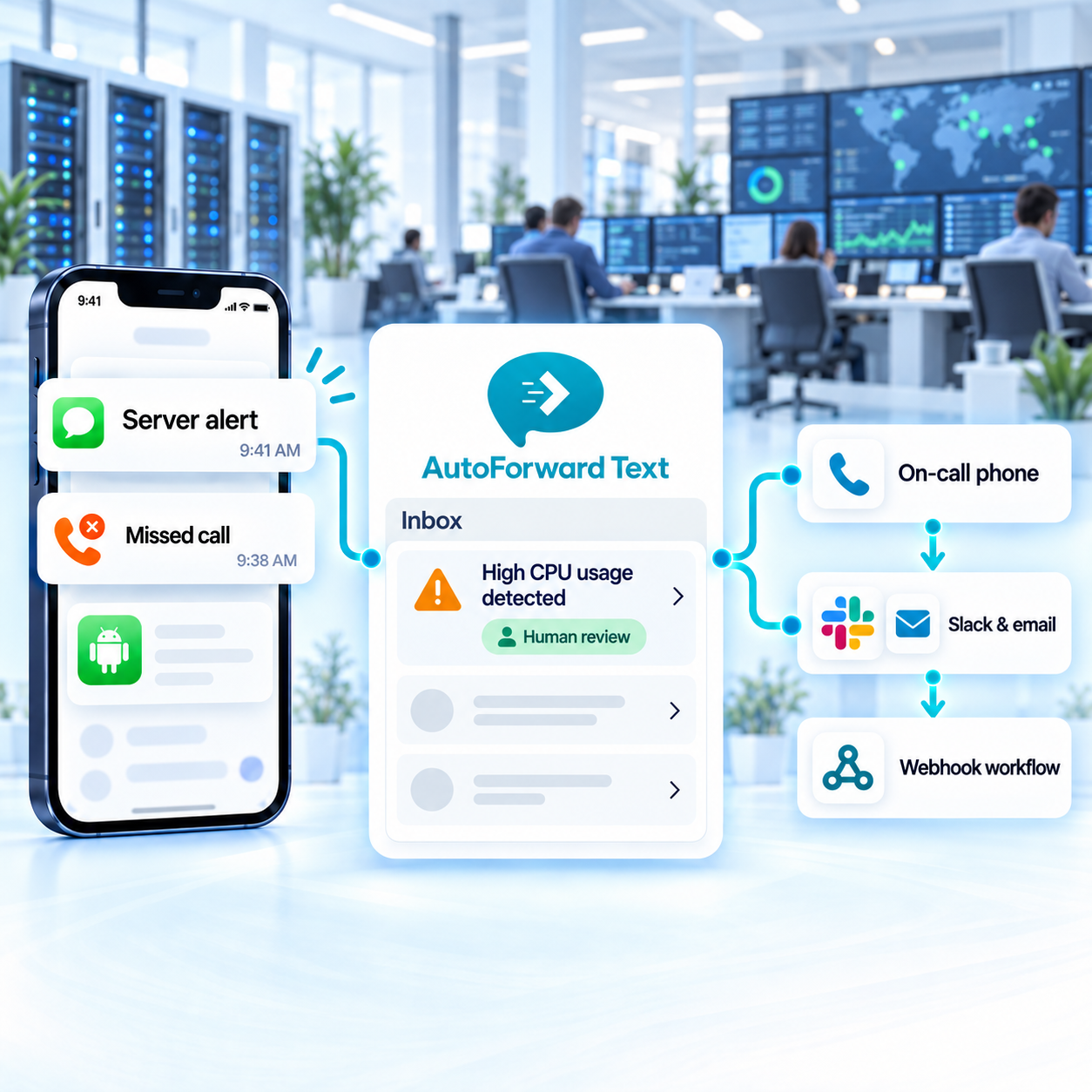
Forward supported SMS and Android notification content.
Route selected events by schedule and available conditions.
Pass supported events to webhooks and operational systems.
Legacy systems, carrier devices and mobile-only apps can leave important information trapped on a phone. Forward supported communication into visible, searchable team workflows.
Forward supported Android notification previews from monitoring and operational apps.
Route supported service, device and vendor text alerts to IT destinations.
Forward authorized operational verification messages only where policy permits.
Make supported missed calls and device communication visible to duty teams.
Use available conditions to distinguish routine vendor messages from higher-priority operational alerts, then select appropriate on-call and automation destinations.
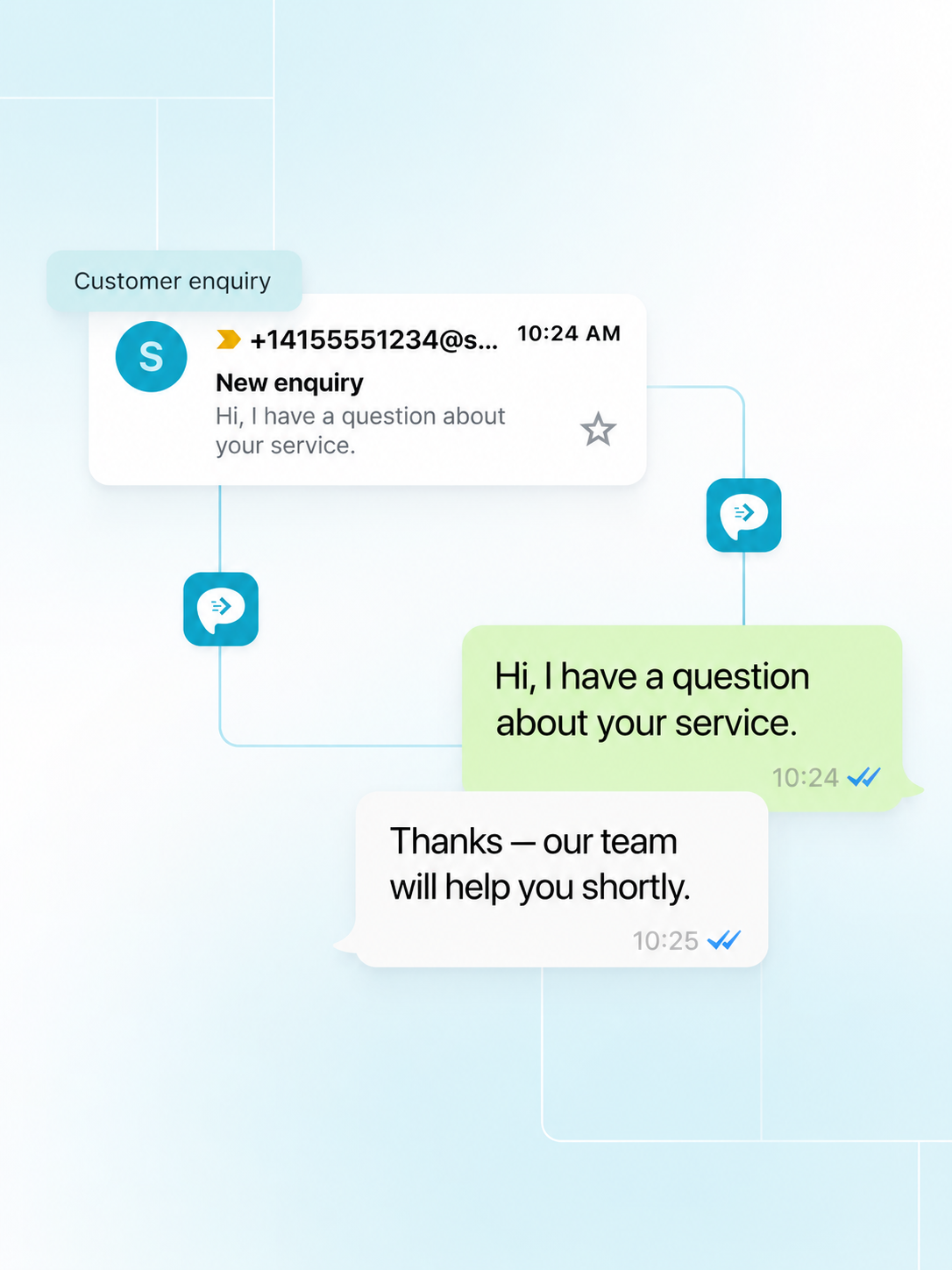
Device and network conditions can delay any phone-based workflow. Critical services need independent monitoring, escalation and acknowledgement paths designed by your operations team.
Keep primary monitoring and paging systems in place for critical incidents.
Verify behavior when phones, networks, permissions or destinations are unavailable.
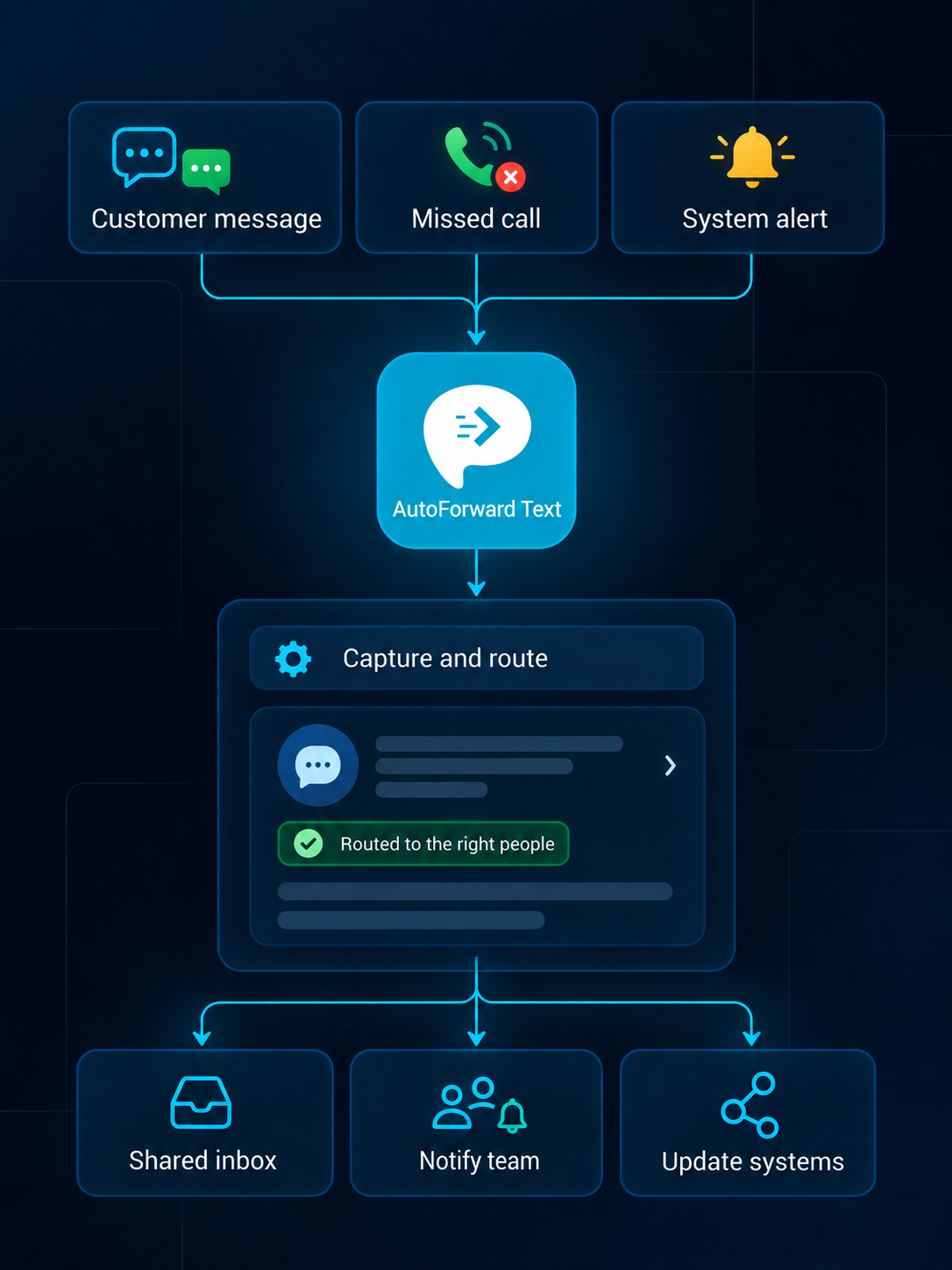
Choose destinations based on urgency, ownership, audit needs and the sensitivity of the event.
Review supported conversations from a web dashboard.
Create searchable alerts in individual or shared inboxes.
Notify the right team channel when selected messages arrive.
Route supported alerts into connected WhatsApp workflows.
Forward priority communication to an owner or duty phone.
Add supported events to customer and operational records.
Pass available event data into your own applications.
Trigger n8n, Make.com, Zapier or custom logic.
A useful workflow adds context and visibility without pretending that delivery alone confirms incident acknowledgement.
A supported SMS or Android notification reaches a connected device.
Available source, content and schedule conditions choose a route.
Configured on-call and webhook destinations receive the supported event.
The operations process confirms ownership through its established incident tooling.
Operational messages may contain sensitive system details or one-time codes. Restrict destinations and do not treat forwarding as guaranteed delivery or secure secret management.
Forward verification content only when authorized and necessary.
Limit destination access, API credentials and account permissions.
Do not replace purpose-built paging with a single consumer device.
Review routes, retention and failure behavior regularly.
Capabilities vary by source channel, country, permissions, destination and integration configuration.
Discuss Your WorkflowAvailable options include supported Android phones and SIMs, virtual phone numbers, Twilio and WhatsApp configurations. Choose the source based on whether you need to retain an existing number or add a cloud channel.
Supported events can be routed to email, another phone, Slack, WhatsApp, the AutoForward Text inbox, webhooks, APIs and connected business workflows.
Yes. Supported rules can use available sender, contact, keyword, schedule and source information to select destinations and follow-up actions.
Supported inbox, email, WhatsApp and gateway configurations can provide reply workflows. Availability depends on the source channel, destination and permissions.
Supported message events can feed connected systems through available integrations, webhooks or APIs. The exact fields and actions depend on the destination configuration.
Supported Android and virtual-number setups can make missed-call records visible in team workflows. Available call data depends on the channel, device and permissions.
No. Your organization remains responsible for lawful access, consent, privacy, retention, carrier and local communication requirements.
Yes. Device-based Android forwarding requires the phone to remain powered, connected and allowed to run in the background. Cloud channels do not rely on that Android device.
Route device-based messages and notifications to on-call teams, collaboration tools and automation—with clear reliability and security controls.