
Client Accounts
Route recognized client contacts to the appropriate account team.
Route supported client texts, WhatsApp conversations, campaign enquiries and missed-call activity to account teams, shared inboxes, Slack, CRM systems and automation—without leaving every conversation on one employee’s phone.
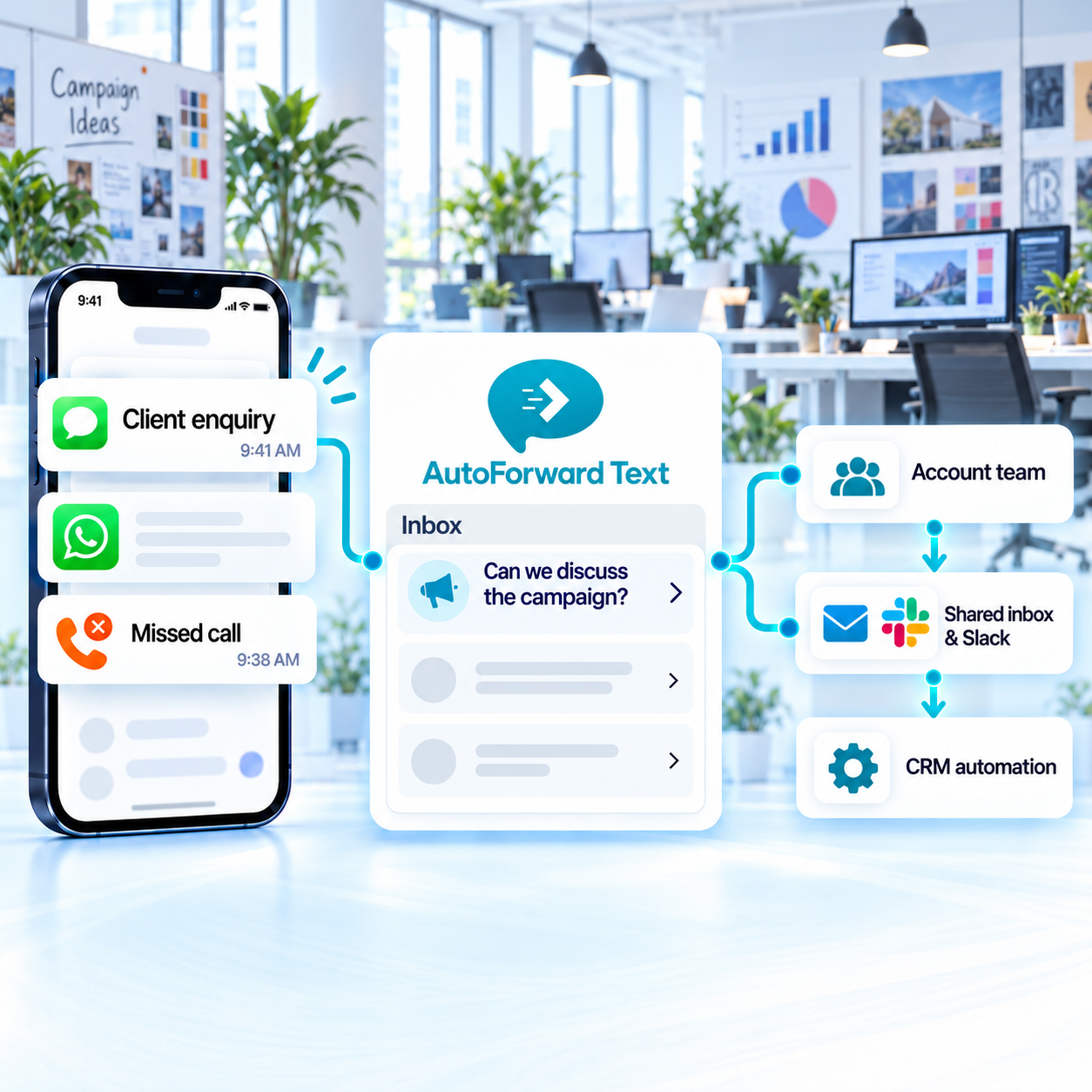
Move supported conversations beyond individual phones.
Create distinct routes for clients, campaigns and services.
Alert account, creative or technical owners as needed.
Agencies often manage multiple client numbers, campaigns and internal specialists. Routing helps preserve ownership without forcing every message through one account manager.
Route recognized client contacts to the appropriate account team.
Send supported campaign enquiries to sales or lead-management workflows.
Make selected feedback and asset messages visible to delivery teams.
Separate urgent service requests from routine account communication.
Use supported contacts, source channels, keywords and schedules to connect incoming communication with the correct account owner or shared destination.
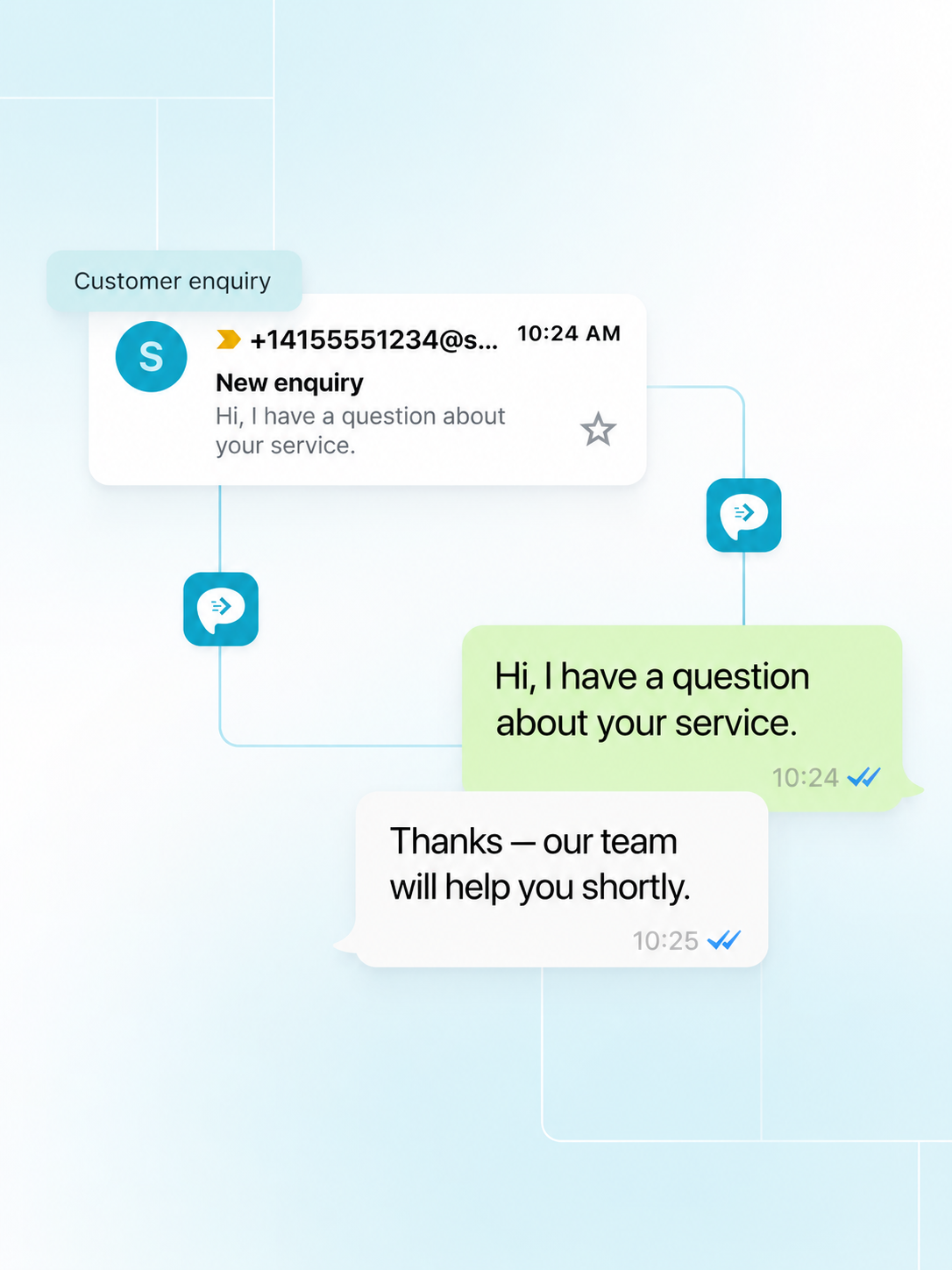
A shared, permissioned workflow can help preserve communication visibility during leave, staff changes and busy campaign periods.
Keep supported client context available to authorized colleagues.
Use routes and destinations to show which team should act next.
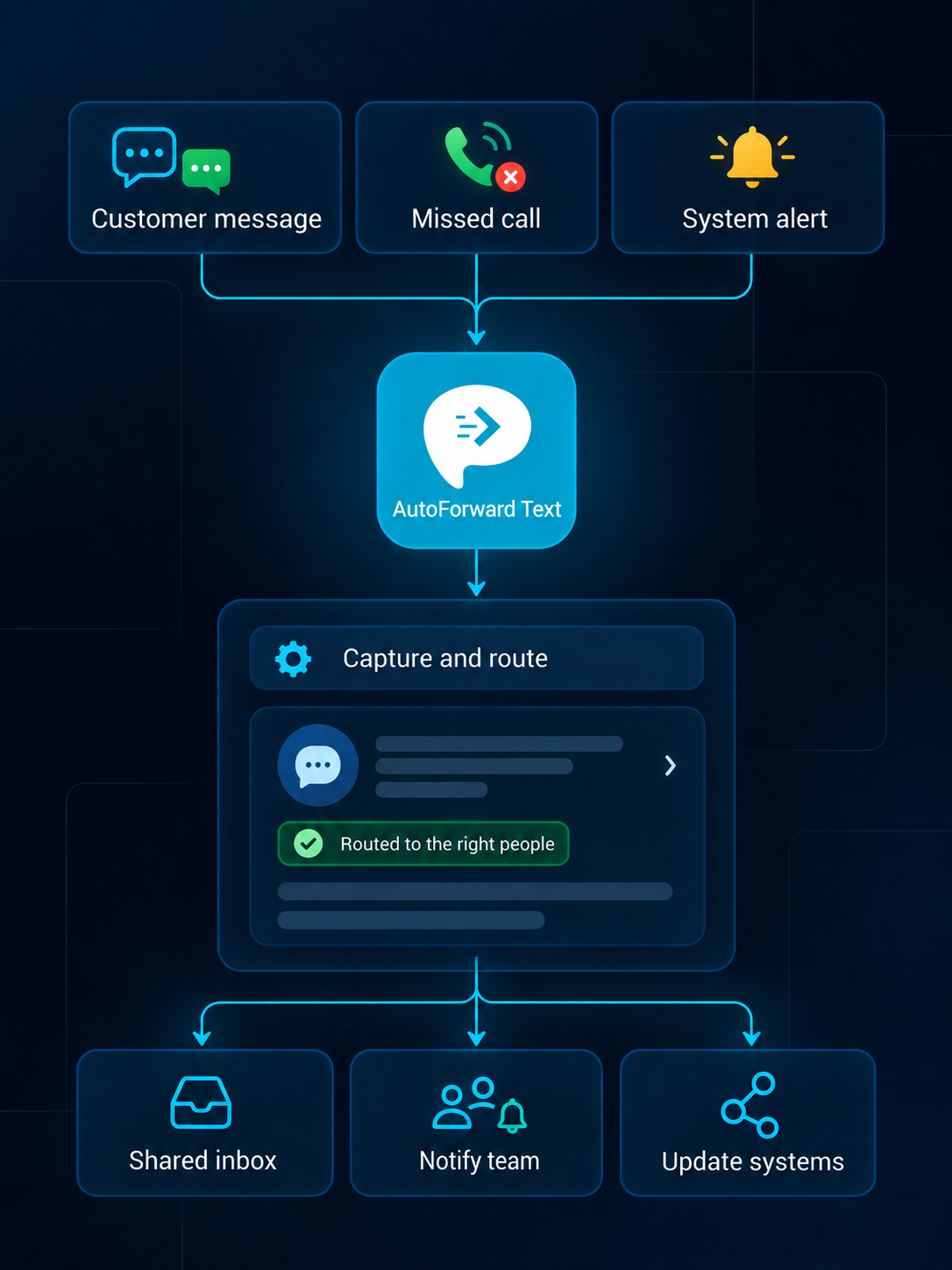
Route supported messages to the collaboration, account-management and automation systems your team already uses.
Review supported conversations from a web dashboard.
Create searchable alerts in individual or shared inboxes.
Notify the right team channel when selected messages arrive.
Route supported alerts into connected WhatsApp workflows.
Forward priority communication to an owner or duty phone.
Add supported events to customer and operational records.
Pass available event data into your own applications.
Trigger n8n, Make.com, Zapier or custom logic.
Keep the route simple enough that account ownership remains obvious to everyone involved.
A supported message reaches an agency-managed channel.
Available client, source, keyword or schedule information selects a route.
The configured inbox, Slack or phone destination receives the event.
The team follows up and records context in its approved system.
Agencies should configure access, retention and destinations separately where contracts, confidentiality or account boundaries require it.
Do not expose one client’s messages to another account team.
Follow client agreements for data handling and retention.
Remove former staff and rotate credentials promptly.
Use lawful, permission-based outbound communication practices.
Capabilities vary by source channel, country, permissions, destination and integration configuration.
Discuss Your WorkflowAvailable options include supported Android phones and SIMs, virtual phone numbers, Twilio and WhatsApp configurations. Choose the source based on whether you need to retain an existing number or add a cloud channel.
Supported events can be routed to email, another phone, Slack, WhatsApp, the AutoForward Text inbox, webhooks, APIs and connected business workflows.
Yes. Supported rules can use available sender, contact, keyword, schedule and source information to select destinations and follow-up actions.
Supported inbox, email, WhatsApp and gateway configurations can provide reply workflows. Availability depends on the source channel, destination and permissions.
Supported message events can feed connected systems through available integrations, webhooks or APIs. The exact fields and actions depend on the destination configuration.
Supported Android and virtual-number setups can make missed-call records visible in team workflows. Available call data depends on the channel, device and permissions.
No. Your organization remains responsible for lawful access, consent, privacy, retention, carrier and local communication requirements.
Yes. Device-based Android forwarding requires the phone to remain powered, connected and allowed to run in the background. Cloud channels do not rely on that Android device.
Keep supported conversations visible to the account and delivery teams responsible for acting on them.