
Receive SMS via Webhooks
When a customer texts the Android number, send the incoming message into your application or workflow as an event.
Keep your existing SIM and mobile number. Receive customer SMS through webhooks, send or reply from your software, route conversations to your team or CRM, and connect AI automation to the business number customers already use.
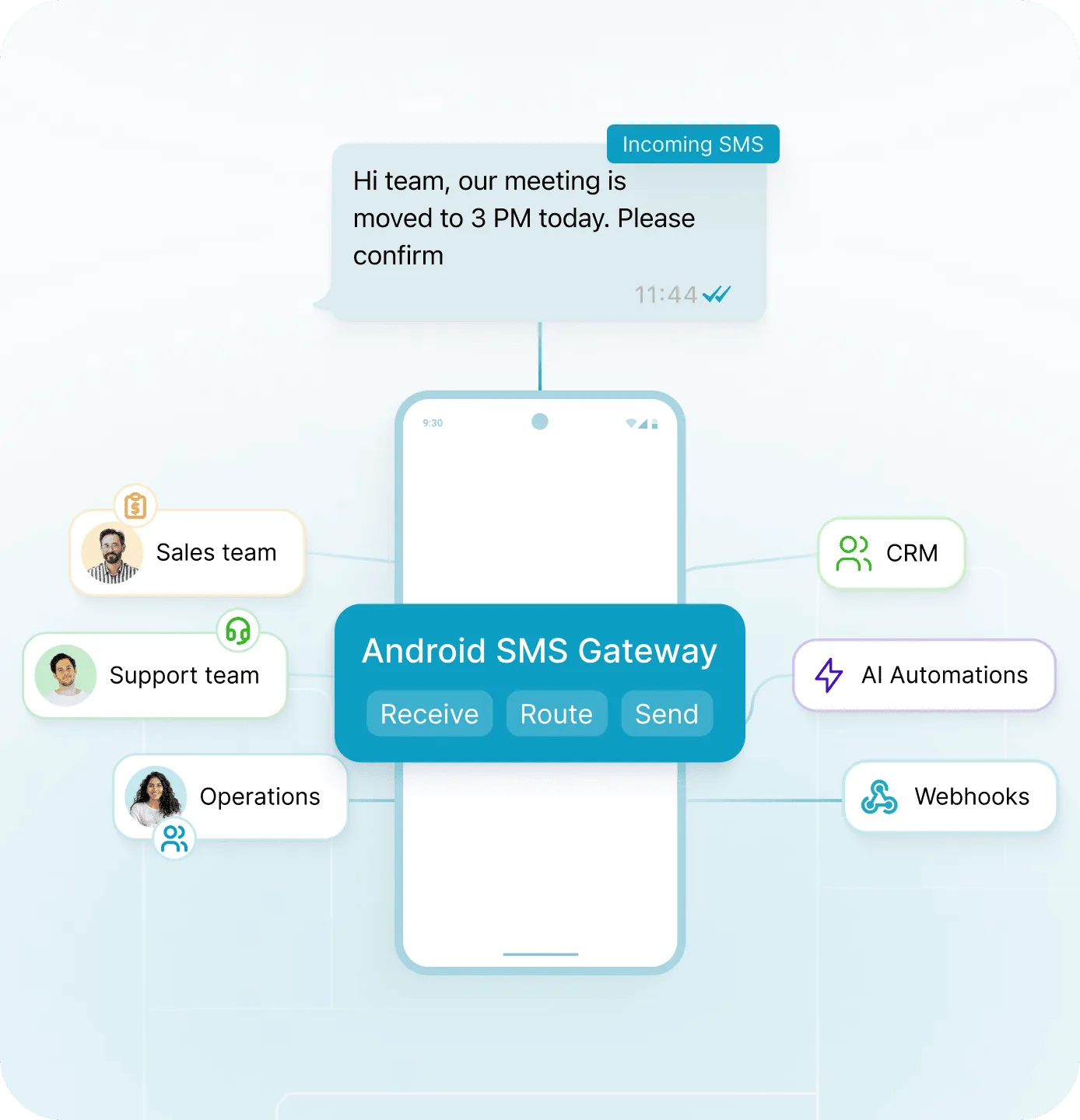
Keep the number already used for customer enquiries.
Receive, route, send and reply around real conversations.
Connect webhooks, CRM systems, n8n, Make and AI agents.
AutoForward Text adds an API and automation layer around a normal Android phone and SIM, without turning the page into a bulk-messaging product.
When a customer texts the Android number, send the incoming message into your application or workflow as an event.
Send individual or workflow-triggered SMS through the connected phone, including replies to inbound customer conversations.
Forward important SMS to email, Slack, a shared workflow or another supported destination so the message is not stuck on one handset.
Use message events in customer workflows and keep business-phone conversations closer to the customer record.
The Android phone remains the SMS endpoint. AutoForward Text connects what happens on that phone with the software your business already uses.
Install AutoForward Text on the business phone that already contains the SIM and number.
Pair the Android phone with your AutoForward Text account and configure the workflow you need.
Incoming SMS can trigger webhooks, forwarding rules, CRM actions or other business logic.
Use the reply/send API when a workflow or team member needs to send an SMS back through the connected number.
If leads, customers, tenants, patients or suppliers already text a mobile number, you do not have to move that conversation into a new number just to automate it.
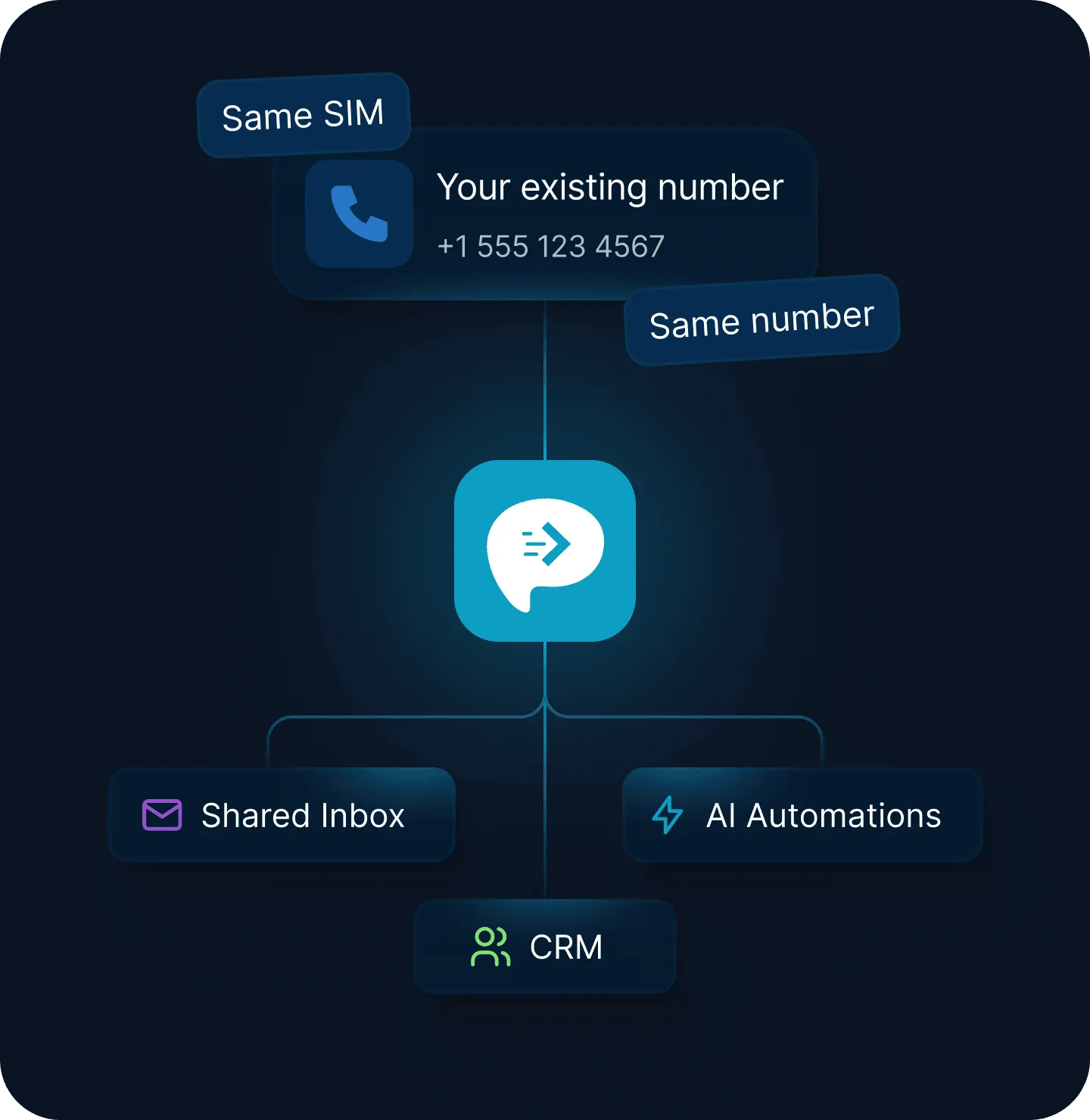
The strongest use case is a business number that already receives enquiries and needs those messages connected to the people, systems and automations responsible for responding.
Route an incoming sales, property, service or product question into your CRM, inbox or sales workflow as soon as it reaches the phone.
Process replies such as confirmations, rescheduling requests or follow-up questions while keeping the conversation on the business number.
Bring inbound SMS into a team workflow, let staff respond remotely, and keep the original Android phone as the sending endpoint.
Create or update a lead when a text arrives, notify the right person, and make the conversation visible beyond one handset.
Trigger individual, event-driven SMS from internal systems when a customer or team member needs a timely transactional update.
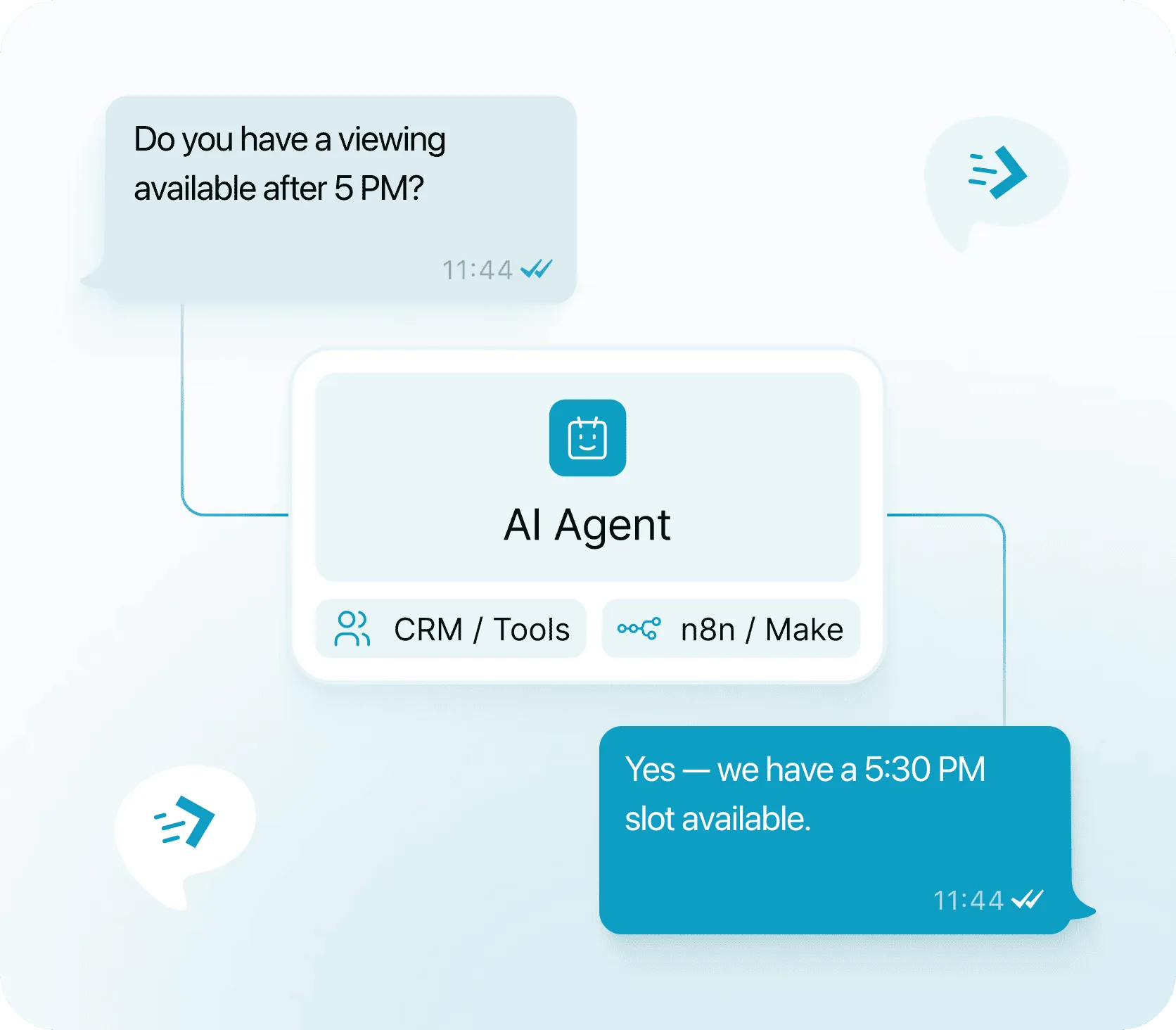
Use incoming SMS as the trigger for an AI workflow that can classify the enquiry, draft or send a reply, or hand the conversation to a person.
The number stays familiar to the customer. Behind it, AutoForward Text can pass the incoming SMS into n8n, Make.com or your own AI application and route an approved response back through the Android phone.
Use the gateway as plumbing between a real Android number and your software. Incoming messages trigger a webhook; your workflow decides what should happen next.
{
  "type": "sms.received",
  "from": "+12125550184",
  "content": "Is tomorrow available?",
  "device_id": "36664",
  "reply": {
    "endpoint": "https://.../reply"
  }
}curl -X POST "{{ reply.endpoint }}" \
-H "Authorization: Bearer API_KEY" \
-H "Idempotency-Key: enquiry-001" \
-H "Content-Type: application/json" \
-d '{
"message": "Yes, tomorrow works."
}'Use forwarding for simple visibility or webhooks and APIs for deeper business logic.
Use inbound SMS as a workflow trigger and return replies through the API.
Build visual automation for enquiries, CRM actions and AI-assisted replies.
Connect incoming business-phone conversations with customer records and workflows.
Route relevant SMS activity into sales and customer-management processes.
Escalate enquiries or alerts to a channel when a human needs to take over.
Forward business SMS to an inbox for visibility and supported reply workflows.
Let an agent classify, answer or hand off inbound SMS based on your own rules and context.
Send message events into your own application, middleware or internal systems.
The point is not to turn a SIM into a campaign cannon. It is to make a real mobile number programmable enough for customer communication, internal workflows and automation.
Choose the connected phone as the sender and select a future delivery time.
The phone remains part of the system, so the setup is different from renting a cloud-only SMS number.
Visit the Help CenterAn Android SMS gateway uses an Android phone and its SIM as the SMS endpoint while software connects incoming and outgoing messages to APIs, webhooks or other applications. With AutoForward Text, the existing phone number can become part of a wider business workflow.
Yes. That is one of the main reasons to use this setup. The Android phone keeps its existing SIM and number while AutoForward Text adds forwarding, webhook and API workflows around it.
Yes. Incoming SMS can trigger webhook-based workflows so your application can process the sender and message and decide what should happen next.
Yes. Supported gateway workflows include a Reply API so a response can be sent back through the connected Android phone and number.
Yes. The Send API can be used for individual and transactional workflow messages through the connected Android phone. This page is not positioned around promotional bulk sending.
Yes. A common pattern is inbound SMS → AutoForward Text webhook → n8n, Make.com or your own AI workflow → Reply API → customer. You can also route uncertain conversations to a human.
Yes. Because the Android phone and SIM are the SMS endpoint, the device needs to stay powered on and able to communicate with the service for gateway workflows to operate reliably.
That is not the focus of AutoForward Text's Android Gateway positioning. It is designed around business-phone messaging, inbound enquiries, transactional notifications, replies, team workflows and automation. Your mobile carrier's terms and messaging rules still apply.
Keep the number customers already text, then add inbound webhooks, remote replies, CRM routing and AI-assisted automation around it.