
1
Select Sender
Choose a connected SMS gateway, WhatsApp account or Twilio sender.
Choose a connected Android SMS gateway, WhatsApp account or registered Twilio sender, write the message, select the recipient and schedule delivery using your account timezone.
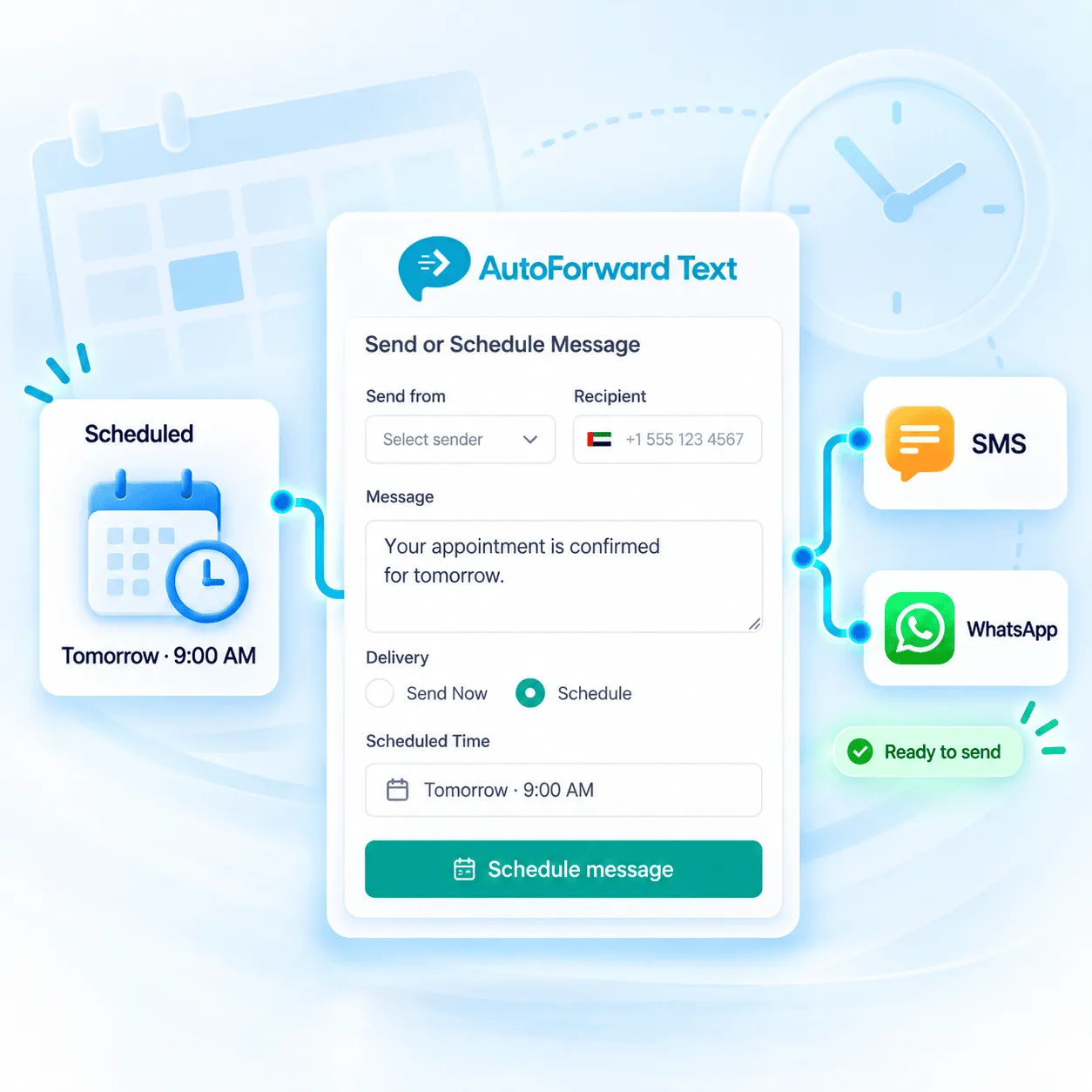
Gateway, WhatsApp account or Twilio route.
Schedule using the displayed account timezone.
Review pending, sent and failed activity.
The Send Message workflow keeps the sender, recipient, content and delivery time together so you can review the route before scheduling.
Choose a connected SMS gateway, WhatsApp account or Twilio sender.
Enter the destination with the correct country code or select an available WhatsApp destination.
Enter the supported text or choose the applicable template workflow.
Select Schedule instead of Send Now and enter the intended date and time.
Confirm whether the outbound item is pending, sent or failed.
The schedule controls when AutoForward Text attempts the send. The selected gateway or provider still controls sender identity, channel rules and final delivery.
Send scheduled SMS through the connected phone, existing SIM and mobile number.
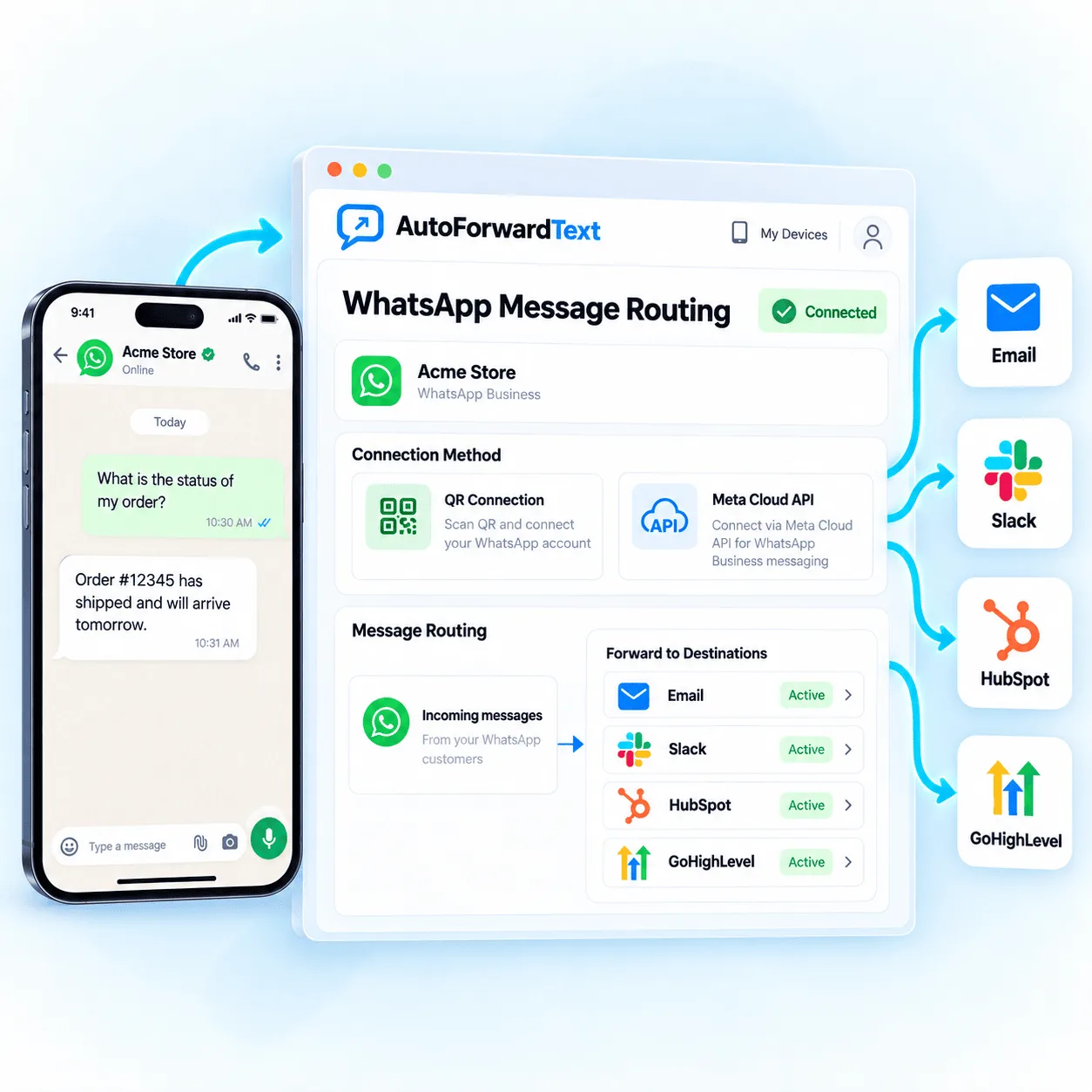
Schedule supported messages from a connected QR account to available WhatsApp contacts, chats or groups.
Use supported Meta Cloud API sending with the approved business messaging configuration.
Schedule SMS through a customer-owned Twilio route and registered sender identity.
Scheduled SMS is useful when the message is ready now but should reach the recipient at a more appropriate time. Select an Android gateway to send through an existing SIM, or choose a registered Twilio sender for a cloud route.
Send a reminder before a confirmed booking.
Schedule a response after a call or enquiry.
Deliver shift, dispatch or service updates.
Send an authorized reminder at the agreed time.
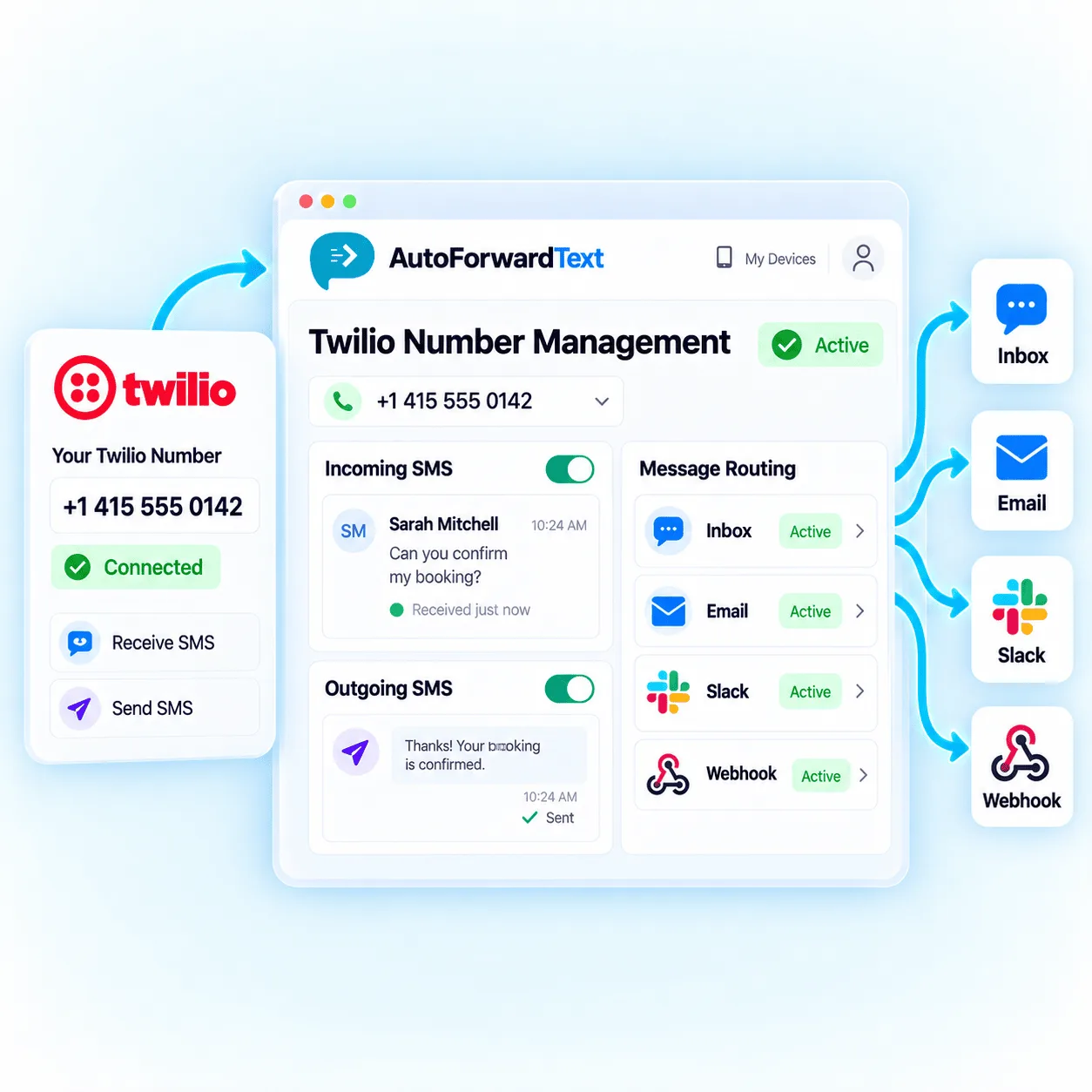
WhatsApp QR and Meta Cloud are different sending routes. A QR-connected account can use supported account destinations. Meta Cloud scheduling must follow current business messaging requirements and use an applicable approved template whenever a template is required.
The dashboard displays the timezone used for the scheduled time. Confirm it before saving—especially when the sender, account owner and recipient are in different locations.
Review the timezone displayed beside the scheduled date and time.
Avoid delivering routine business messages at inappropriate local times.
Recheck future schedules when a relevant region changes its clock.
An Android or QR-based sender must remain connected when delivery is attempted.
The outbound activity area helps you review the selected route, recipient, message, scheduled time, sent time and current status.
The message is stored for a future delivery attempt.
The connected route accepted or completed the outbound send.
The attempt encountered a device, provider, destination or configuration problem.
Confirm the cause and avoid creating duplicate customer messages.
A delayed message is still an outbound business communication. The customer remains responsible for recipient permission, sender registration, content, timing and opt-out handling.
Message only recipients the customer is permitted to contact.
Use a correctly registered and configured sender identity where required.
Suppress recipients who withdraw consent or request no further messages.
Check templates, variables, links and recipient details before scheduling.
Sender capability, registration and platform rules determine what can be scheduled and delivered.
Visit SupportYes. Choose a supported Android SMS gateway or registered Twilio sender, enter the recipient and message, select Schedule, and choose the delivery date and time in the account timezone.
Yes. Supported WhatsApp QR and Meta Cloud API connections can be selected as senders. Available recipients, groups, message formats and template requirements depend on the connection type.
Yes, when the message follows current Meta Cloud API requirements. The scheduled content must use and match an applicable approved WhatsApp template when a template is required, including the expected variables and recipient permissions.
Yes. A supported Android device can act as the outbound SMS gateway for its existing SIM and number. The phone must remain powered, connected and permitted to send SMS when the scheduled delivery is attempted.
Yes. Connect a supported Twilio number or sender that the customer has registered and configured. Twilio account status, balance, sender registration, destination support and messaging compliance still apply.
The Send Message screen displays the timezone applied to the selected date and time. Confirm the account timezone and consider recipient location and daylight-saving changes before scheduling.
Yes. Recent outbound activity can show available pending, sent and failed statuses along with route, recipient, scheduled time, sent time and creation details.
No. AutoForward Text can initiate delivery according to the selected schedule, but actual delivery can be delayed or prevented by device connectivity, provider queues, carrier networks, WhatsApp rules, recipient availability or configuration errors.
Connect a supported sender, choose the recipient and schedule SMS or WhatsApp delivery from one outbound activity workflow.