
Buyer Enquiries
Route listing questions, viewing requests and availability messages to sales agents.
Route buyer, seller, tenant and property enquiries from supported phones and messaging channels to the right agent, office, shared inbox or CRM workflow. Keep business conversations visible without making one person watch every device.
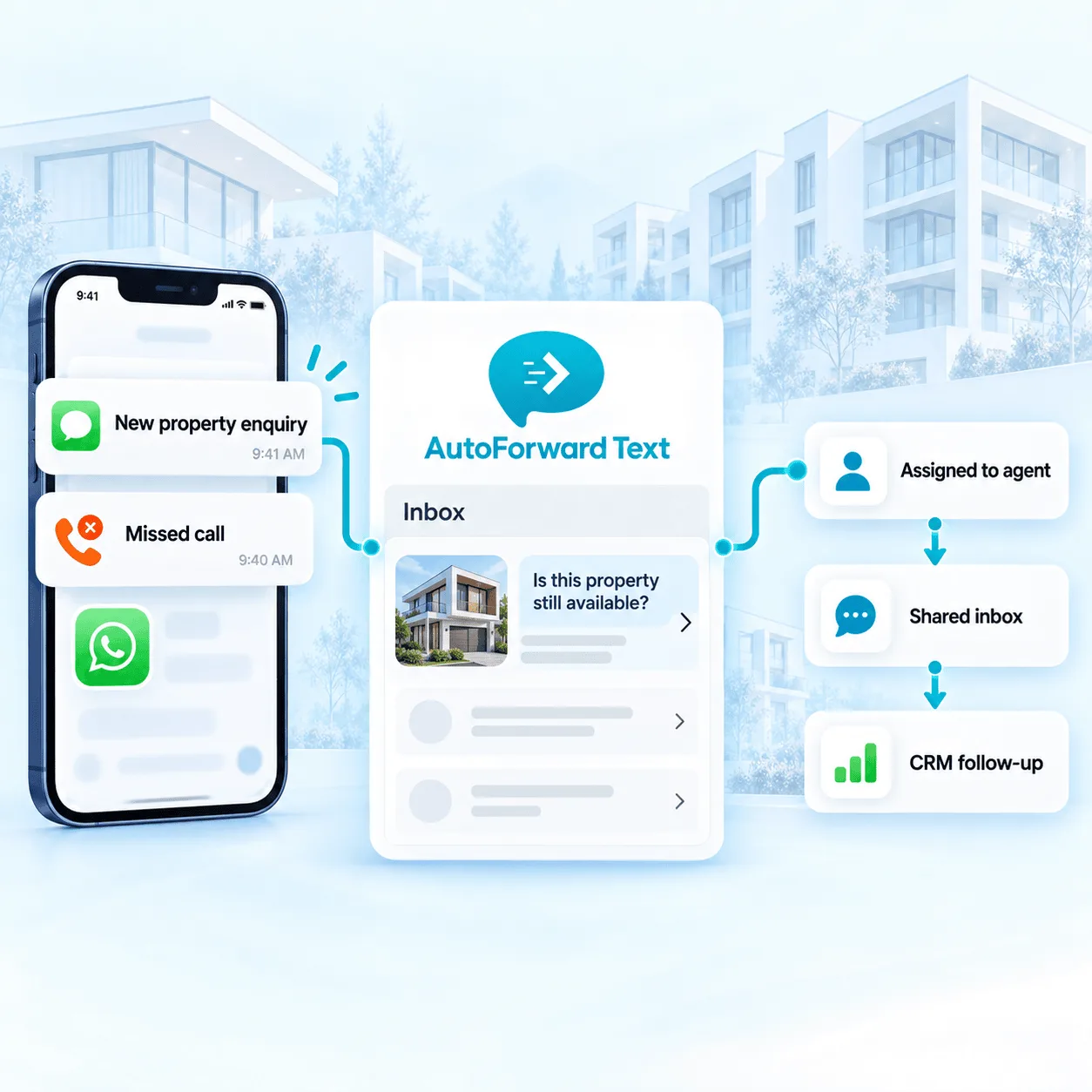
Alert the right person when a new property enquiry arrives.
Move conversations beyond one agent's phone.
Feed supported messages into inbox, CRM and automation workflows.
Different conversations need different owners. AutoForward Text helps make supported communication visible where sales, leasing and property teams already work.
Route listing questions, viewing requests and availability messages to sales agents.
Make valuation and listing enquiries visible to the right office or acquisition team.
Separate rental applications, access questions and tenant messages from sales leads.
Send supported repair and property-management messages to operations or on-call staff.
Use supported contacts, keywords, schedules and source channels to control where messages go. A downtown rental enquiry can follow a different path from a seller valuation request or an after-hours maintenance issue.
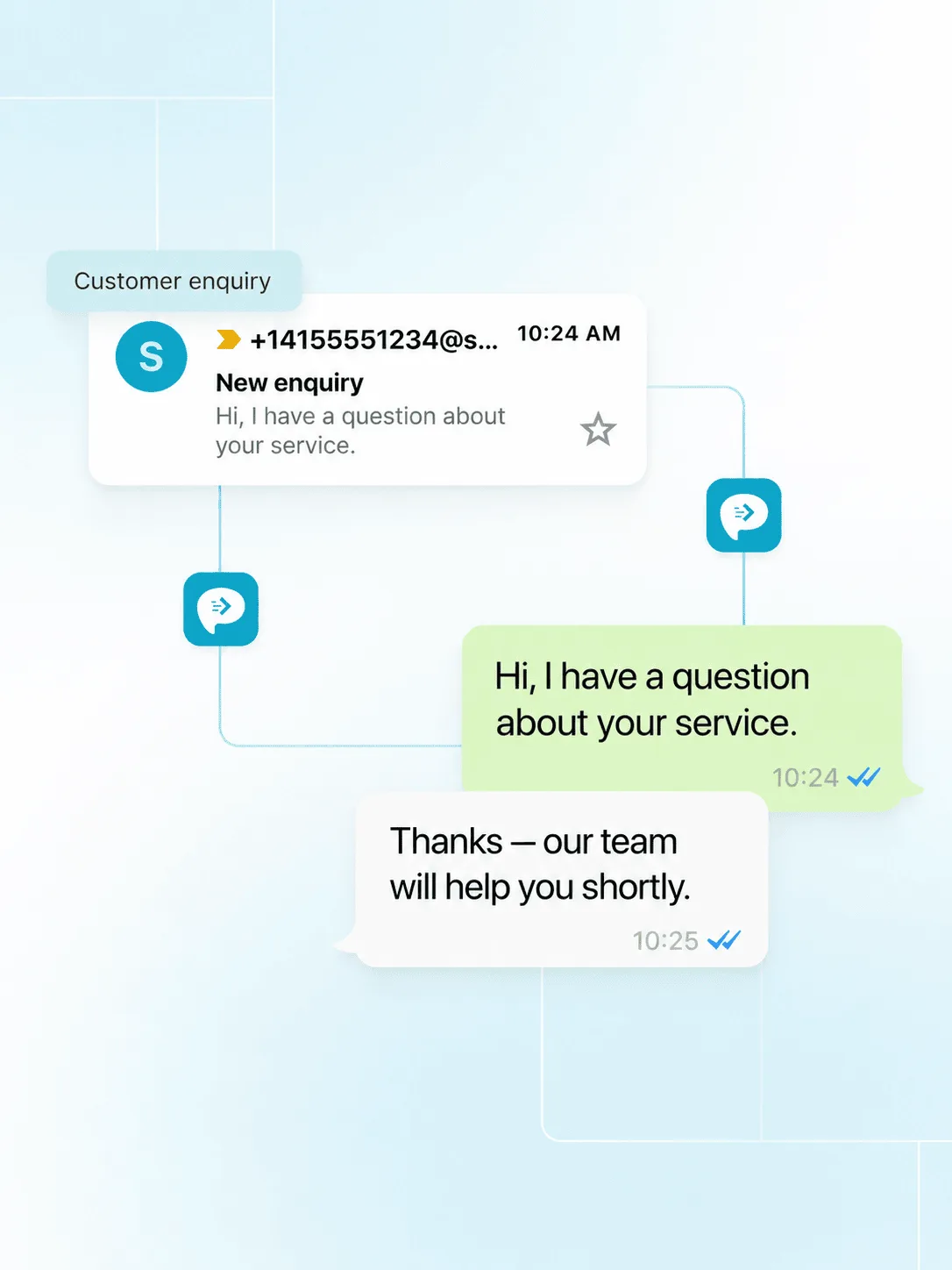
On supported Android and virtual-number configurations, missed-call activity can be forwarded to email, Slack, another phone or a connected workflow so the team knows a prospect or tenant needs attention.
Alert an available agent or team channel after a supported missed-call event.
Create a supported task, notification or message workflow instead of relying on memory.
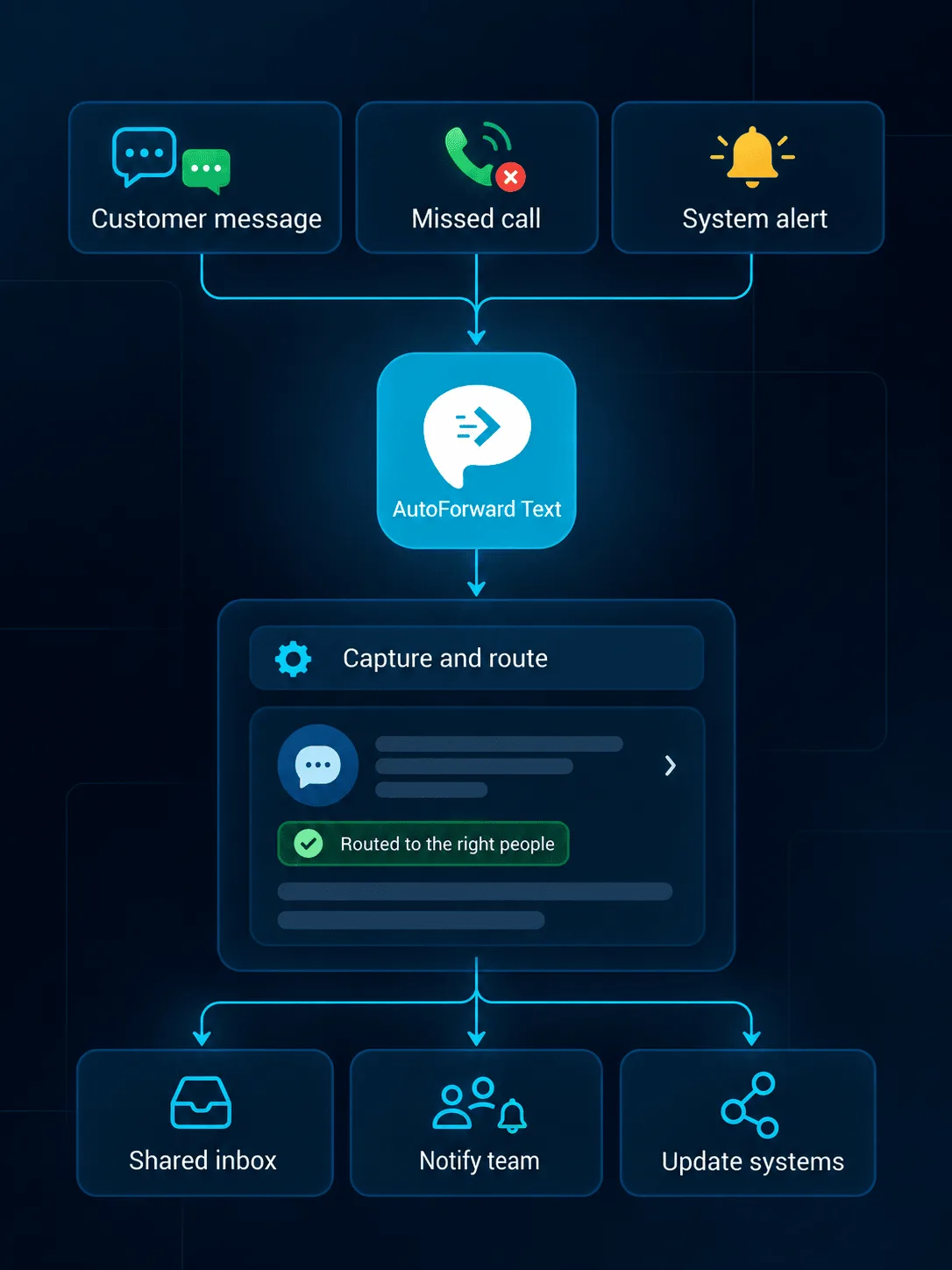
Choose simple forwarding for visibility or connect supported property messages with deeper sales and operations workflows.
Review supported conversations without passing a business phone between agents.
Send enquiries to an agent, branch inbox or property-management address.
Notify sales, leasing or operations channels when selected messages arrive.
Route supported alerts into connected WhatsApp contact or team workflows.
Forward priority enquiries to the duty agent or office number.
Feed supported lead details into connected contact and follow-up workflows.
Pass message events to listing, property-management or internal systems.
Trigger n8n, Make.com, Zapier or custom qualification logic.
Build a simple route first, test it with the team, then add CRM and automation steps where they improve response—not where they add complexity.
A prospect texts a connected Android, virtual or Twilio business number.
Available source, keyword, contact or schedule conditions select a destination.
The responsible agent receives the supported message through their configured tool.
The inbox, CRM or connected workflow retains available context for the next action.
The right channel depends on whether the business wants to keep an existing mobile number or introduce a cloud number for a property, campaign or office.
Connect a supported office or agent phone and retain its current mobile number.
Add a supported cloud number for listings, campaigns, leasing or a shared office.
Connect existing Twilio messaging with forwarding and business workflows.
Connect supported QR or Meta Cloud workflows for property conversations.
Capabilities vary by connected channel, country, permissions and destination configuration.
Discuss Your WorkflowConnect a supported Android phone and SIM, virtual number, Twilio number or other available channel, then create rules that route incoming enquiries to email, another phone, Slack, WhatsApp, the AutoForward Text inbox, webhooks or connected workflows.
Yes. Supported rules can use available sender, contact, keyword, schedule and channel information to send an enquiry to the most appropriate agent, office or team destination.
Supported Android and virtual-number configurations can capture missed-call activity and route alerts into follow-up workflows. Available call details depend on the connected channel and permissions.
Supported messages can be passed to CRM and automation workflows through available integrations, webhooks or APIs. The exact fields and actions depend on the connected CRM and configuration.
Supported inbox, email, WhatsApp and gateway configurations can provide reply workflows while keeping communication associated with a business channel. Reply availability depends on the source channel and setup.
Yes. Create separate rules and destinations for available keywords, contacts, numbers, properties, offices or schedules so each type of conversation reaches the team responsible for it.
No. Real estate businesses remain responsible for consent, privacy, retention, carrier and local communication requirements. Configure access and retention according to your organization’s policies.
Yes for device-based Android forwarding. The phone must remain powered, connected and permitted to run in the background. Cloud channels such as supported virtual or Twilio numbers do not rely on that Android device.
Route supported messages and missed-call activity into the inboxes, agents and systems responsible for timely follow-up.